
Lucky Star App: Sports Betting & Casino Games in Your Pocket
The Lucky Star app puts a full sportsbook and a licensed casino lobby on your phone screen. Place bets on IPL, Pro Kabaddi, and ISL fixtures between overs or innings. Spin slots or join a live dealer table without opening a browser. No alternate domains to chase: the app connects directly to Lucky Star servers. Every screen loads in under a second on a standard 4G connection. Download once, place a bet, spin a reel, and cash out, all from one app.
130 Free Spins, 200% up to 50,000 INR, 600 Free Bets
Lucky Star App Features & Design
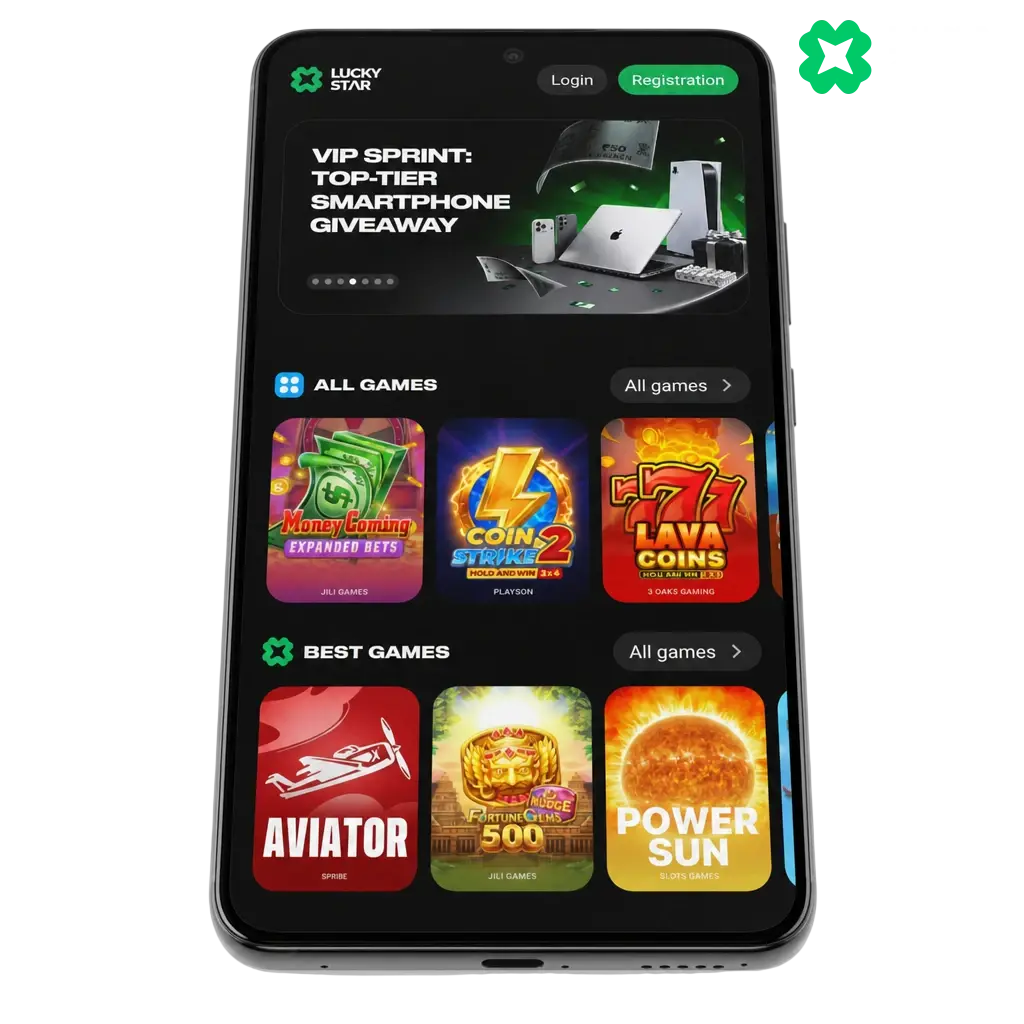
The Lucky Star app uses a dark navy base paired with signature green accents, matching the brand palette seen across the website and every in-app screen. Layouts built around cards group sports, casino, and promotions sections for quick scanning. The interface scales automatically between a budget phone with a 5.5 inch screen and a flagship model with a 6.7 inch display. Icons stay sharp at any resolution through vector graphics. Dark mode runs by default, cutting glare when you play late at night.
Core Features & Functionality: Sports, Casino, Live Betting & More
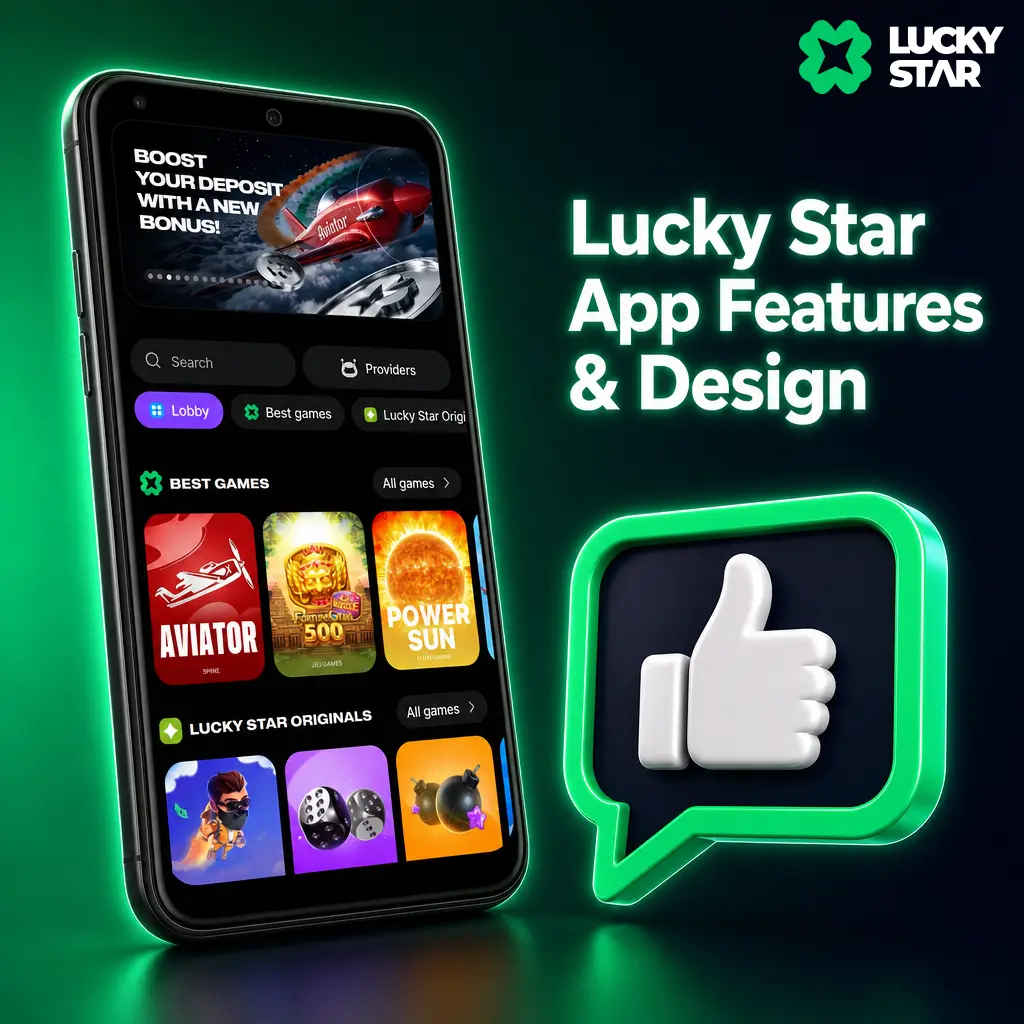
The app carries every feature found on the Lucky Star desktop site. Betting lines are available before kickoff and Live once a match starts, covering cricket, football, and tennis with odds that update as play unfolds. Live stream viewing sits inside the bet slip screen for most covered fixtures. The casino lobby holds slots, Aviator, and other crash games alongside live dealer tables streamed from licensed studios. Bonus codes activate with a single tap from the promotions tab. A support chat icon sits on every screen, connecting you to an agent without leaving your current page.
Interface, Navigation & Simple Controls
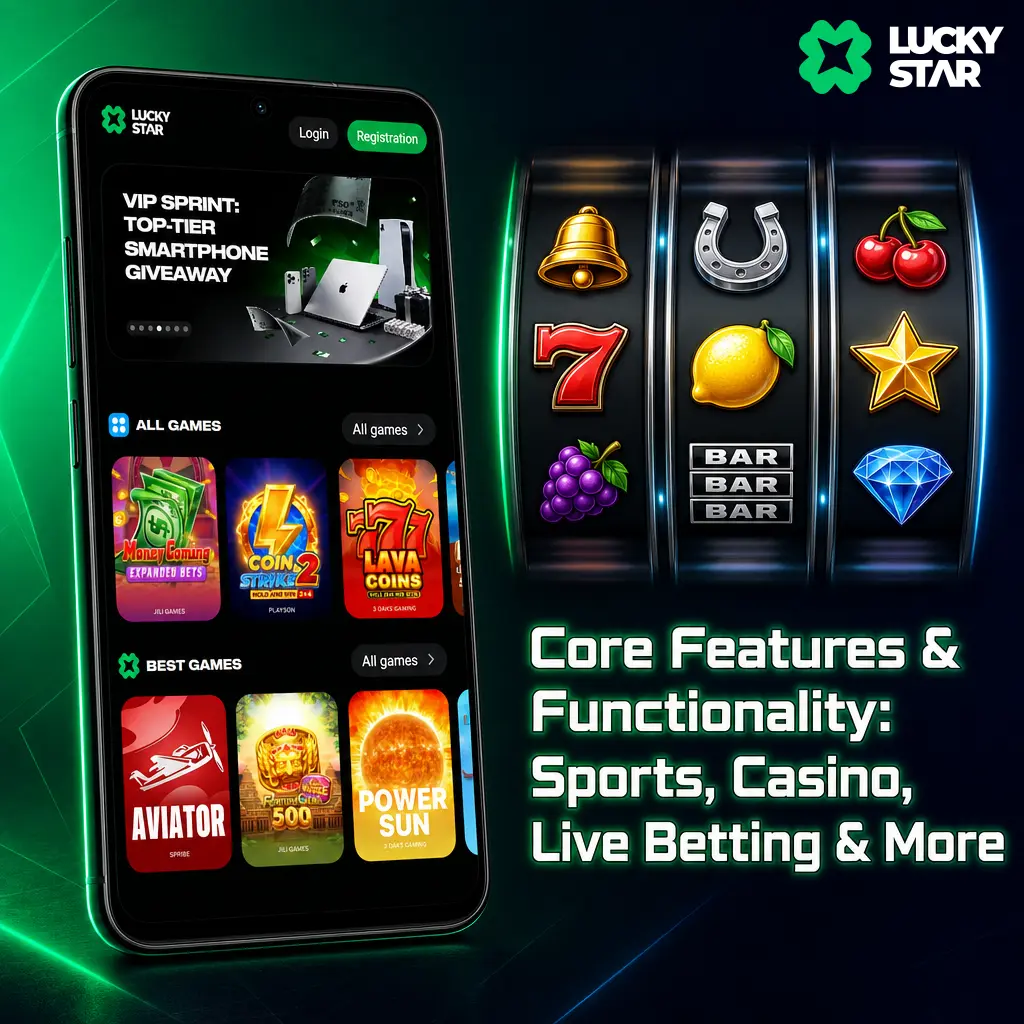
A fixed bottom bar keeps Sports, Casino, Promotions, and Account tabs within reach of your thumb. The bet slip opens from a floating icon that follows you across every sports page, so odds stay a single tap from confirmation. The casino section includes filters for volatility, RTP, and game type, narrowing a large slot library to a shortlist in seconds. A provider search bar at the top of the casino tab locates studios such as Pragmatic Play or Evolution by name. Every control sits within reach of one hand during a commute or a match break.
Lucky Star App vs. Mobile Site: Which One Should You Use?
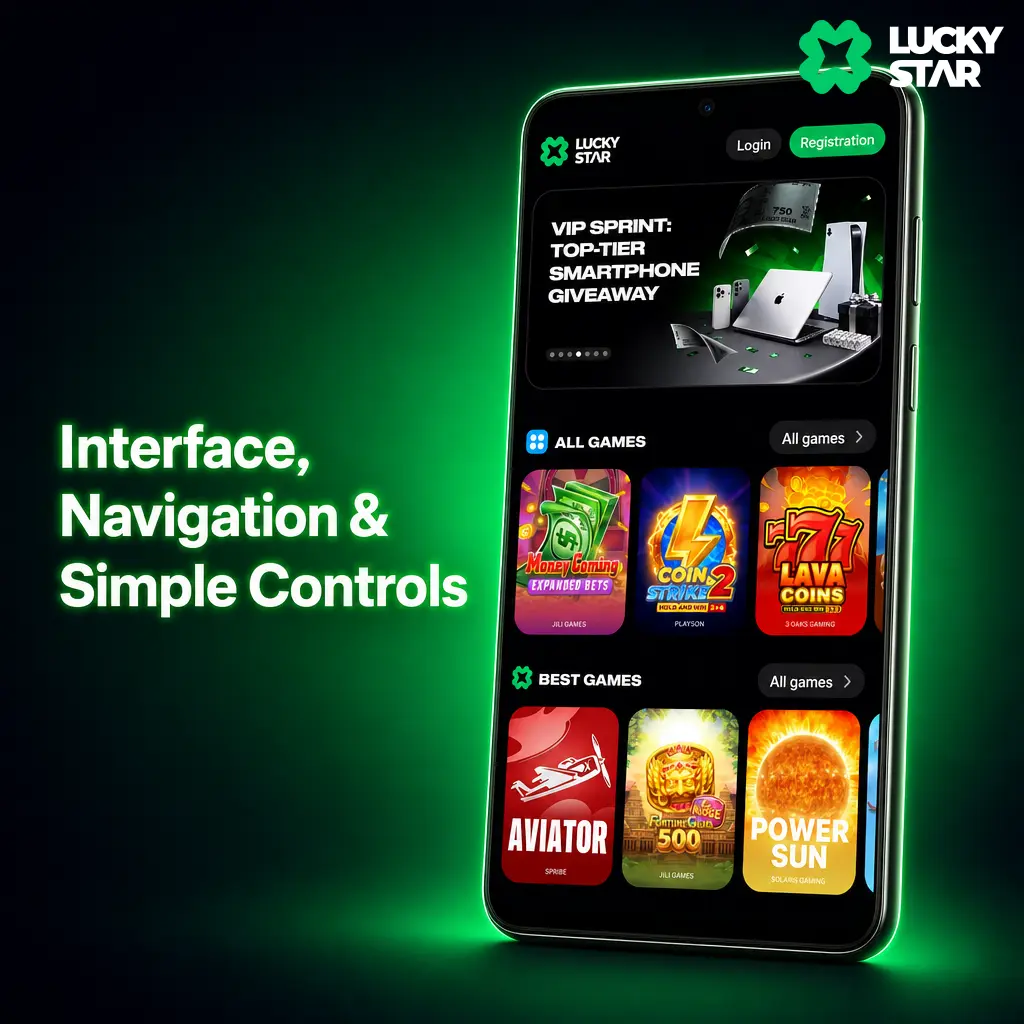
The mobile site works without any download or storage space, a practical choice on a shared or low-storage device. The Lucky Star app wins on raw speed. UI elements sit embedded in the app code, so screens load without pulling data from a server each time. This cuts data use by a noticeable margin on prepaid plans. On a weak 3G or patchy signal, the app keeps running where a browser tab often stalls.
How to Download & Install the Lucky Star App
The Lucky Star app downloads in under two minutes on an average Indian broadband or 4G connection. Installation costs nothing, and the app carries no subscription fee. Install it now to reach every sportsbook market and casino table without a browser in between. A stable connection and five minutes are all you need to get started.
Where to Download: Official Site & Third-Party Sources
Download the Lucky Star APK only from this site, using the button below. Forums, unofficial app repositories, and file sharing links carry a risk of phishing and malware, even when they claim to host the same build. The button below links directly to the verified Lucky Star file, updated with every new release.
Install the Lucky Star App on Android: Step by Step
The app installs on an Android device in six short steps. Follow them in order for a clean setup.
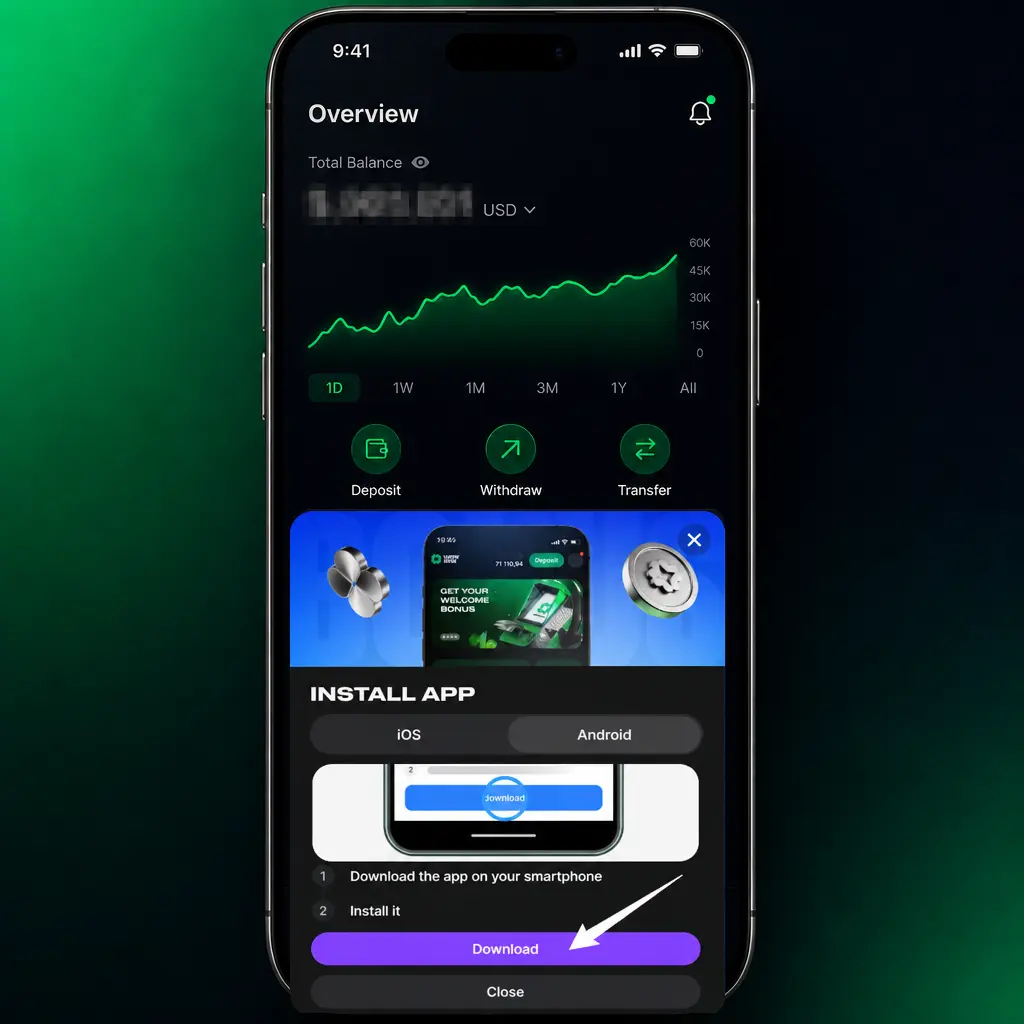
Tap the download button below.
This starts the APK transfer directly from Lucky Star servers.
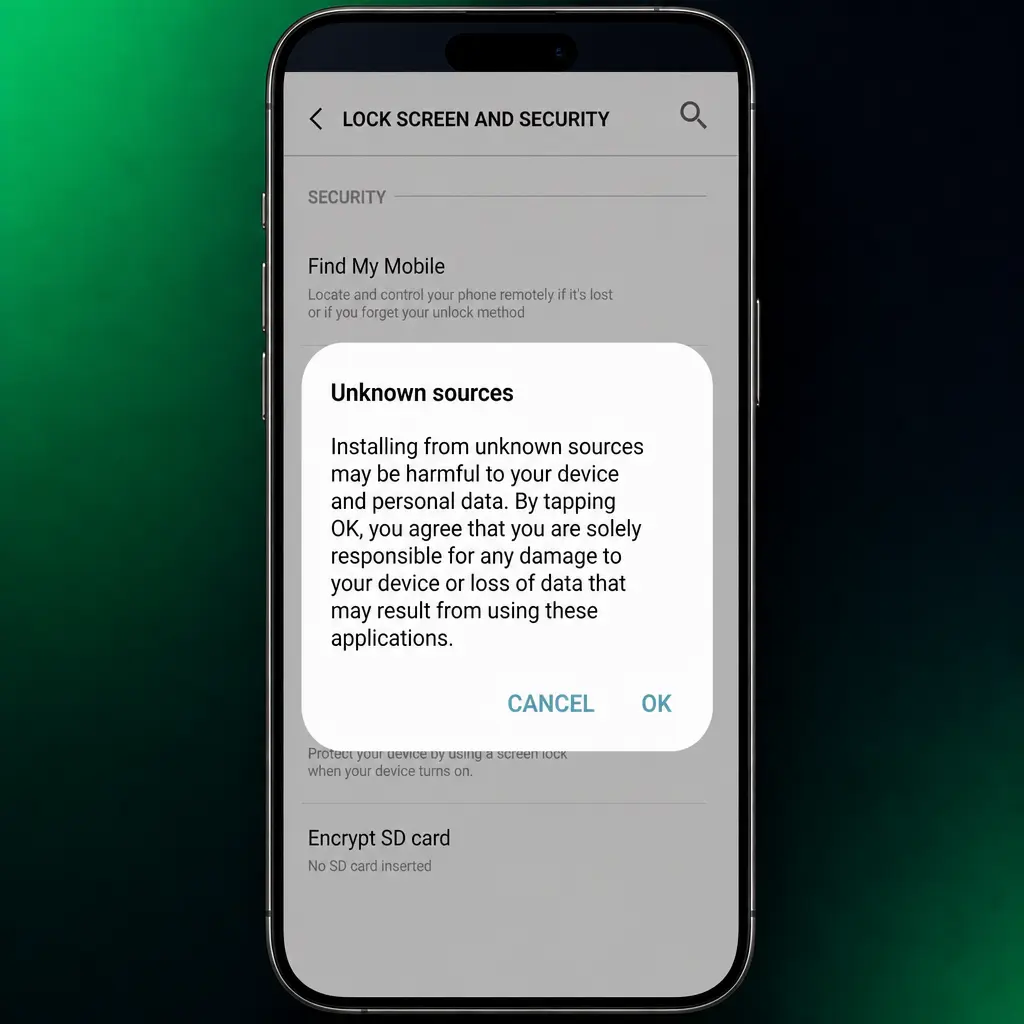
Allow unknown sources.
Open your phone settings, find Security or Apps, and enable installs from unknown sources for your browser.
Open the downloaded file.
Locate the APK in your notifications bar or Downloads folder and tap to open it.
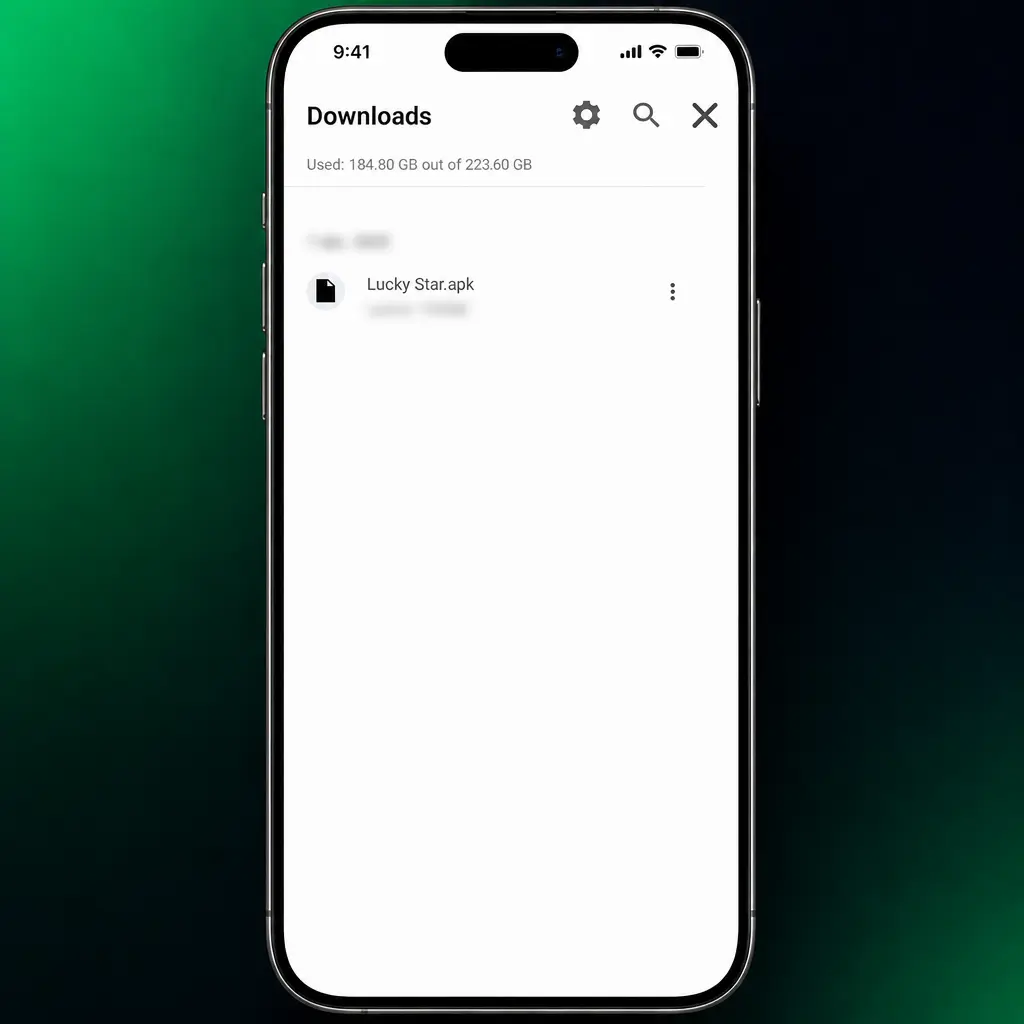
Confirm the install.
Tap Install on the permissions screen and wait for the progress bar to finish.
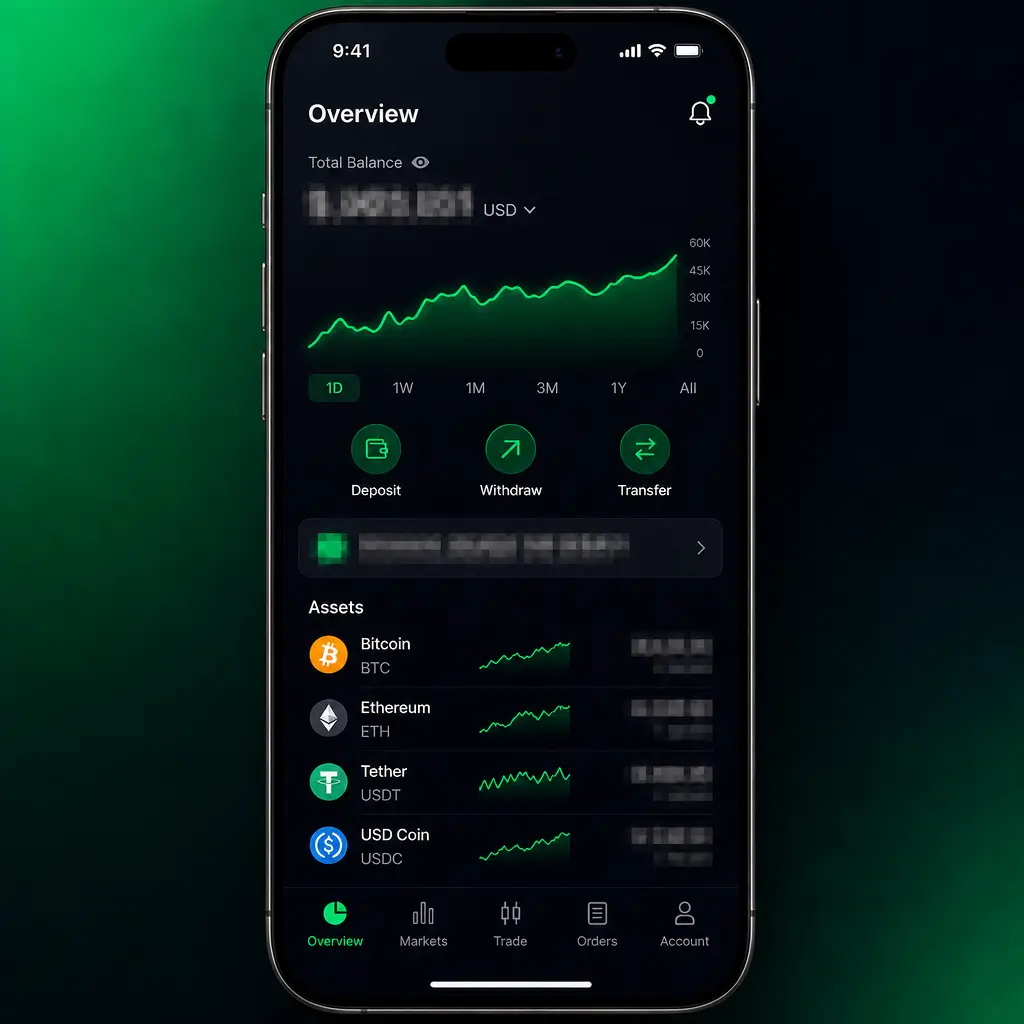
Launch the app.
Tap Open on the final screen or find the new icon on your home screen.
Log in or register.
Enter your existing account details, or create a new profile to start playing.
System Requirements & Compatible Devices
The Lucky Star app runs on most Android phones sold in India since 2019. Check the table below before you install it.
| Parameter | Minimum | Recommended |
|---|---|---|
| OS version | Android 7.0 | Android 11 or higher |
| RAM | 2 GB | 4 GB or more |
| Storage | 150 MB free | 300 MB free |
| Internet | 3G connection | 4G or WiFi |
| Screen size | 5.0 inches | 6.0 inches or larger |
Lucky Star App for iOS: iPhone & iPad
The app runs on iOS with full access to sports betting and casino games. Every iPhone model from the iPhone 8 onward delivers stable performance across the sportsbook and casino lobby.
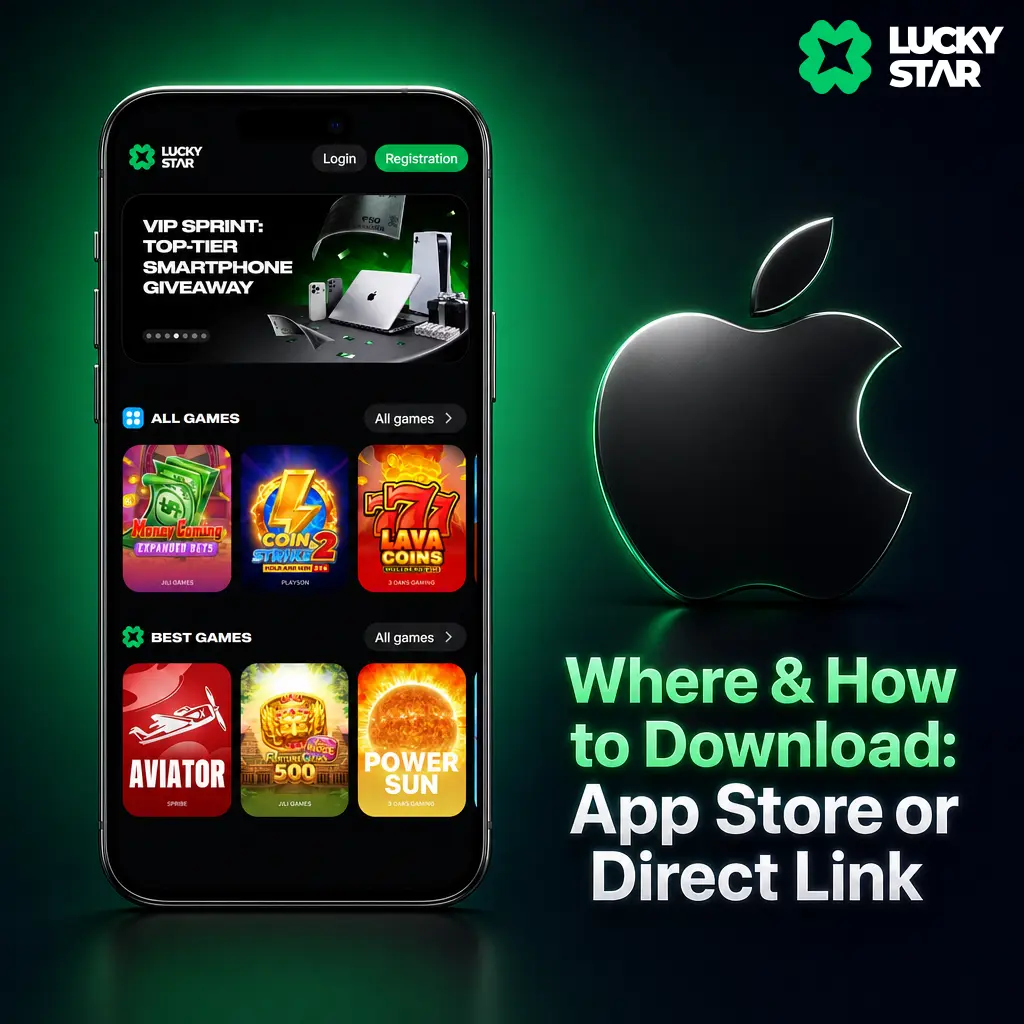
Where & How to Download: App Store or Direct Link
Search the App Store for Lucky Star after switching your Apple ID region to a market where the listing is visible, since regional restrictions sometimes limit its appearance in India. If the listing is unavailable, open Safari and add the Lucky Star Web App to your home screen for quick access without a separate store listing. Use only the button below for every download link.
Install the Lucky Star App on iOS: Step by Step
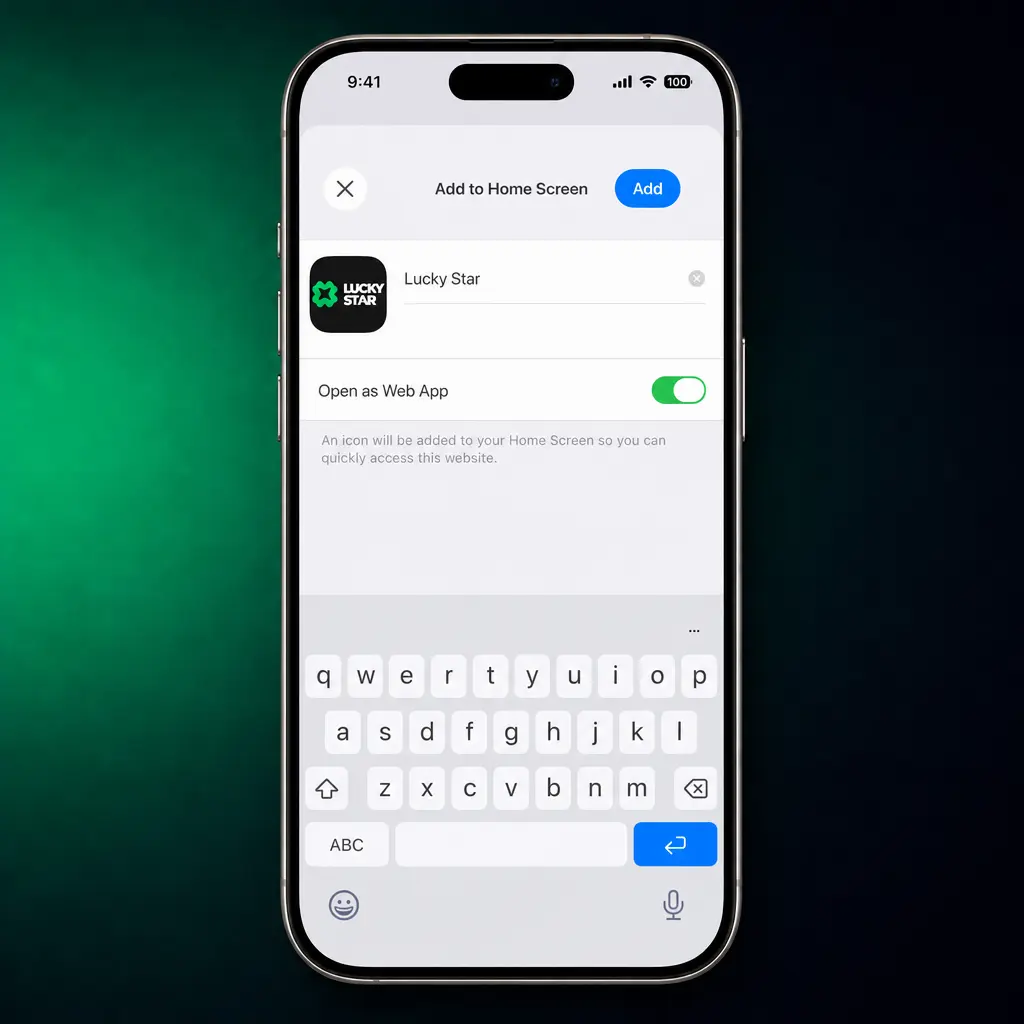
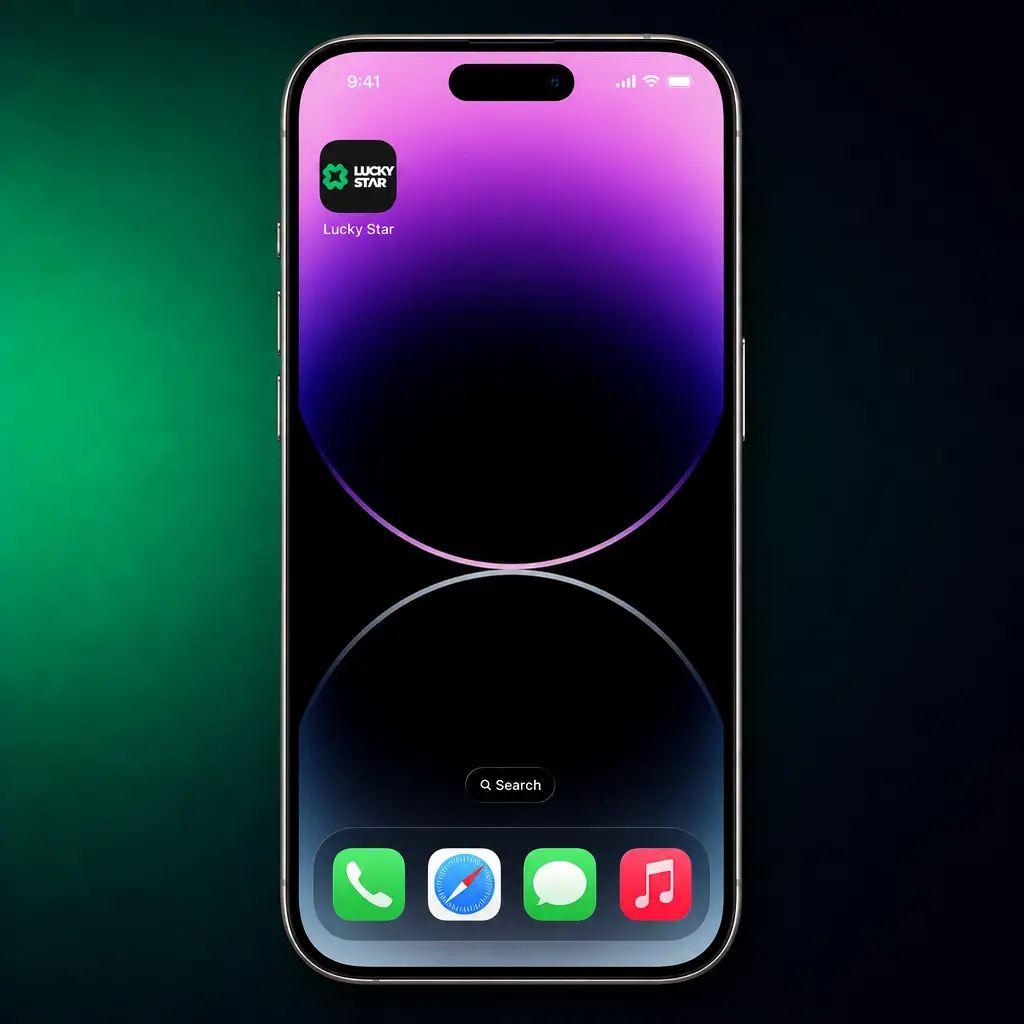
The app installs on an iPhone or iPad in five steps through Safari.
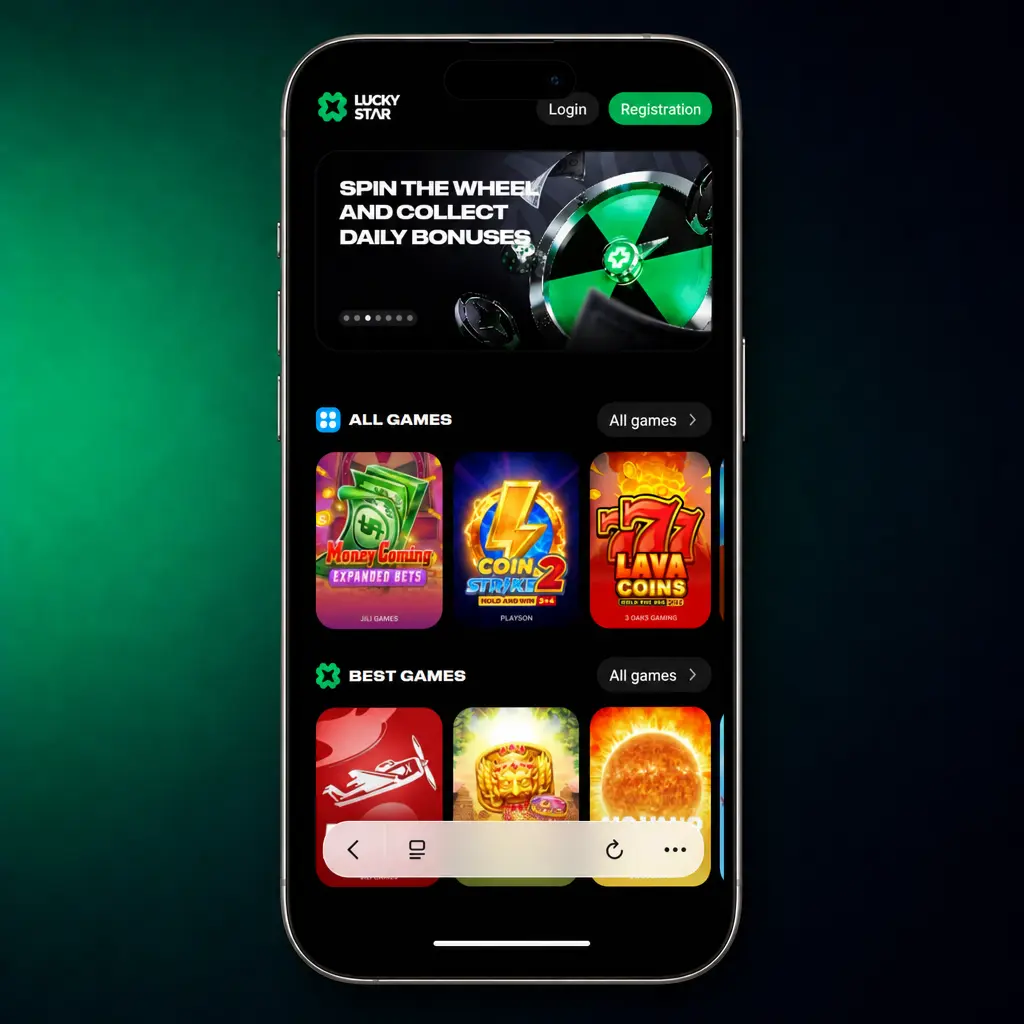
Open the page in Safari.
iOS requires Safari for the home screen install process. Other browsers will not show the add option.
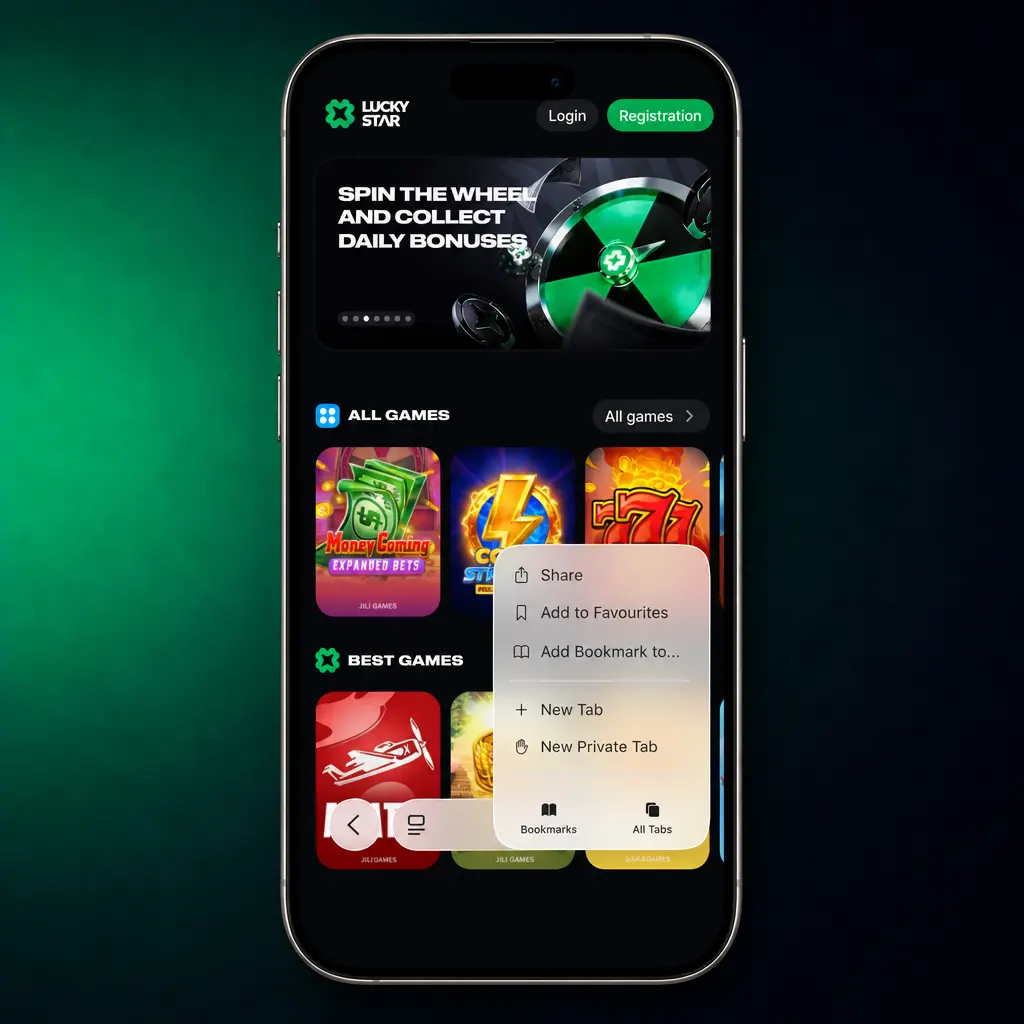
Tap the Share icon.
Find the square icon with an upward arrow at the bottom of the screen.
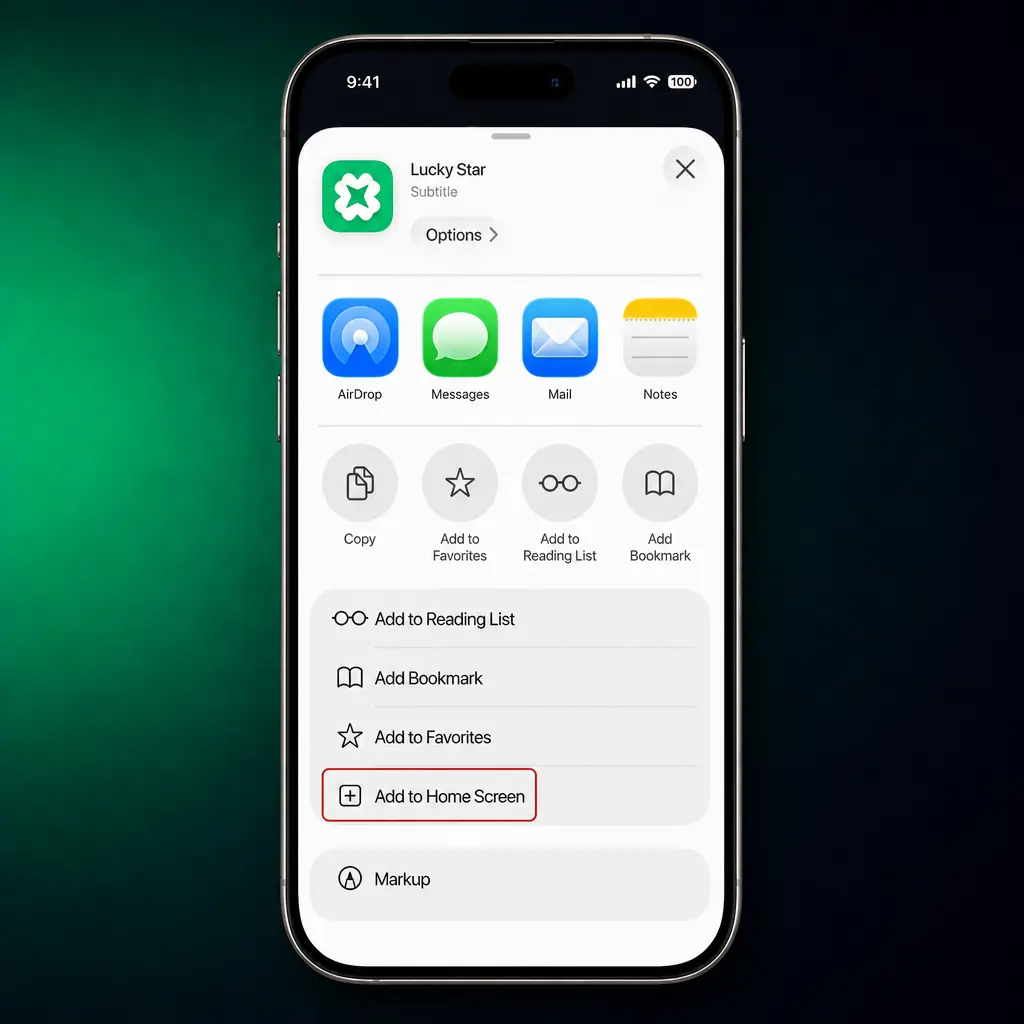
Select Add to Home Screen.
Confirm the name and tap Add in the top corner.
System Requirements & Compatible Devices
The app supports iPhone 8 and newer models running a current version of iOS. Review the specifications below for the best experience.
| Parameter | Minimum | Recommended |
|---|---|---|
| OS version | iOS 13 | iOS 16 or higher |
| Device | iPhone 8 | iPhone 12 or newer |
| Storage | 100 MB free | 200 MB free |
| Internet | 3G connection | 4G or WiFi |
| Browser | Safari 13 | Safari 16 or higher |
Lucky Star App for Windows / PC
A dedicated Windows application is available for players who prefer a fixed setup over a browser tab. The desktop build opens directly to the sportsbook and casino lobby, without loading a webpage each session.

Install the Lucky Star App on Windows: Step by Step
The app installs on a Windows PC in five steps.
Click the download button below.
This downloads the Windows installer file directly from this site.
Open the installer file.
Locate it in your Downloads folder and double click to run it.
Accept the security prompt.
Click Yes or Run when Windows asks you to confirm the installer.
Complete the setup wizard.
Choose an install folder and click Finish once the progress bar ends.
Launch and log in.
Open the icon from your desktop and sign in to your account.
Registration & Login in the Lucky Star App
Account creation inside the app takes under a minute. Both registration and login run on a short form with minimal taps.
How to Create an Account: Step by Step
A new account needs a handful of details and one confirmation step.
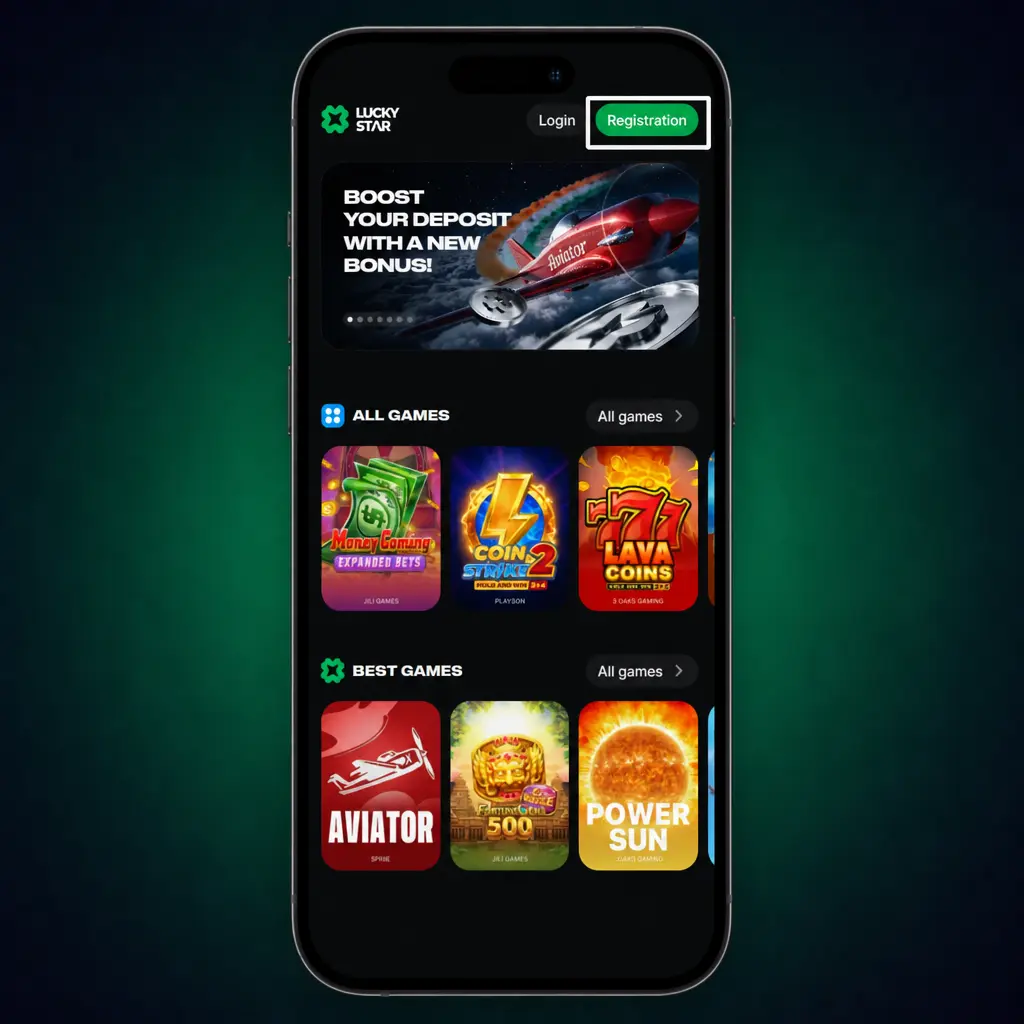
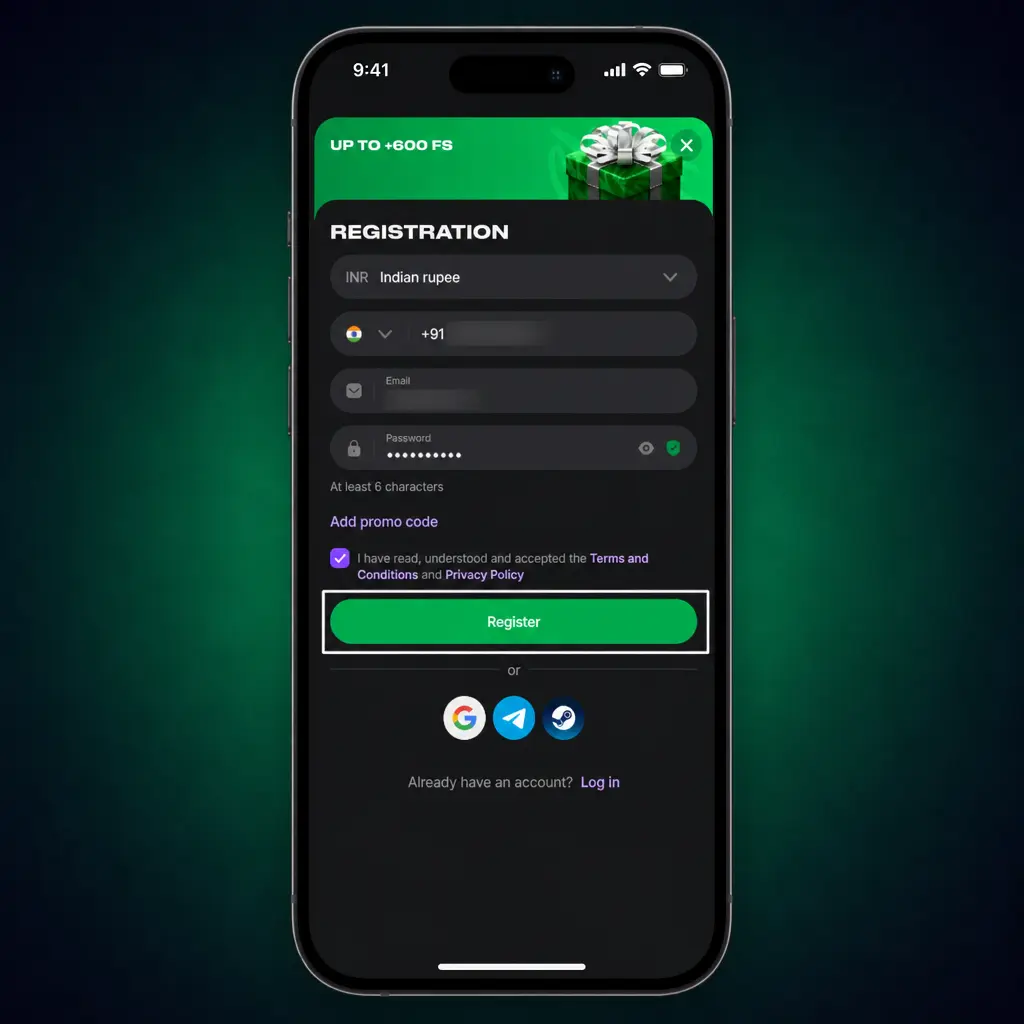
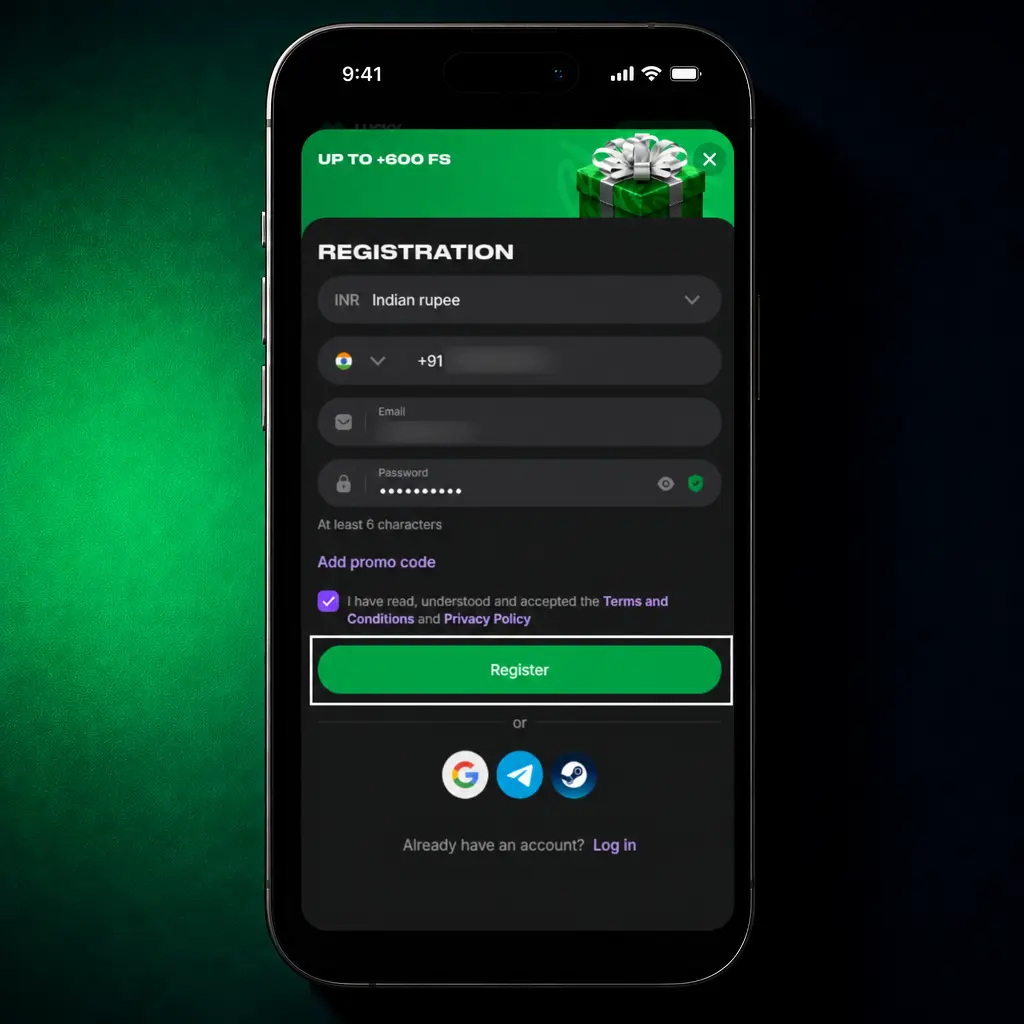
Choose your registration method.
Select phone number, email address, or a quick social login option.
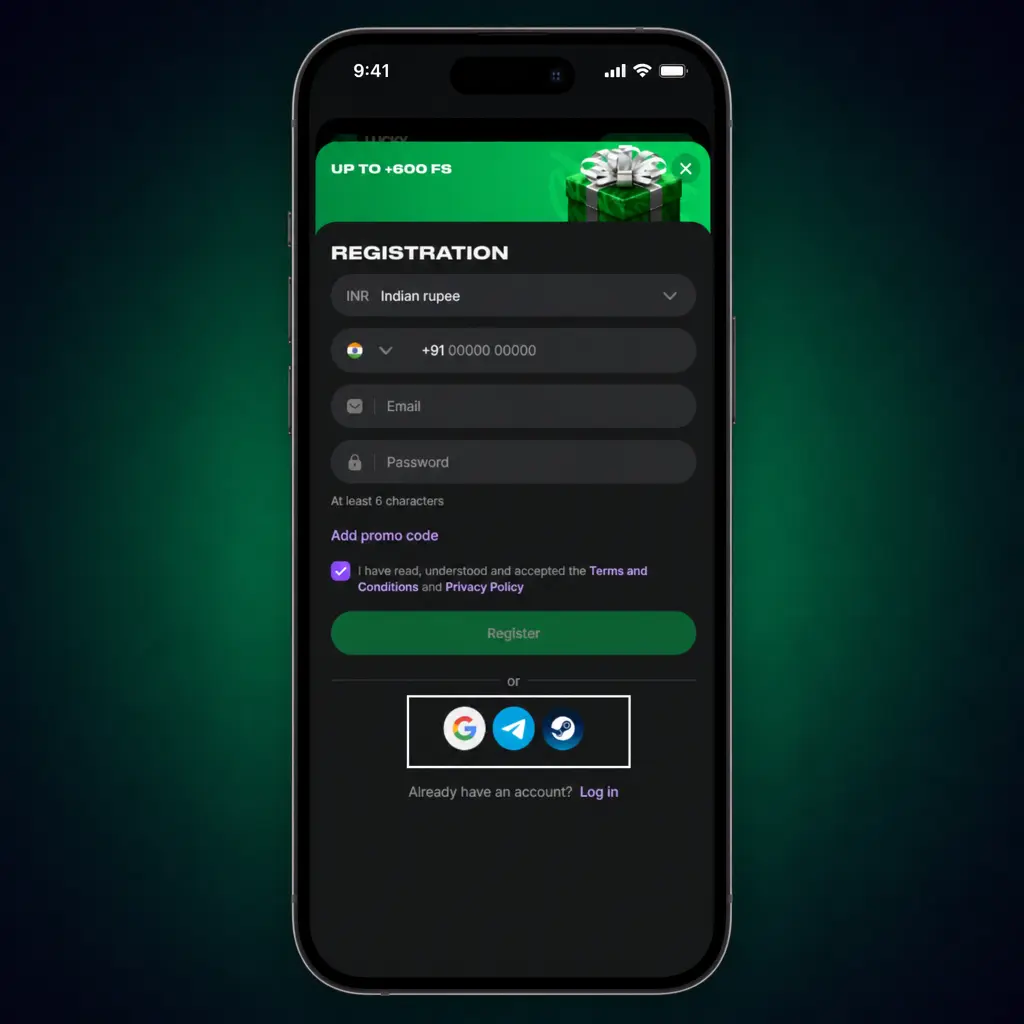
Enter your details.
Fill in your mobile number, a password, and your currency, INR.
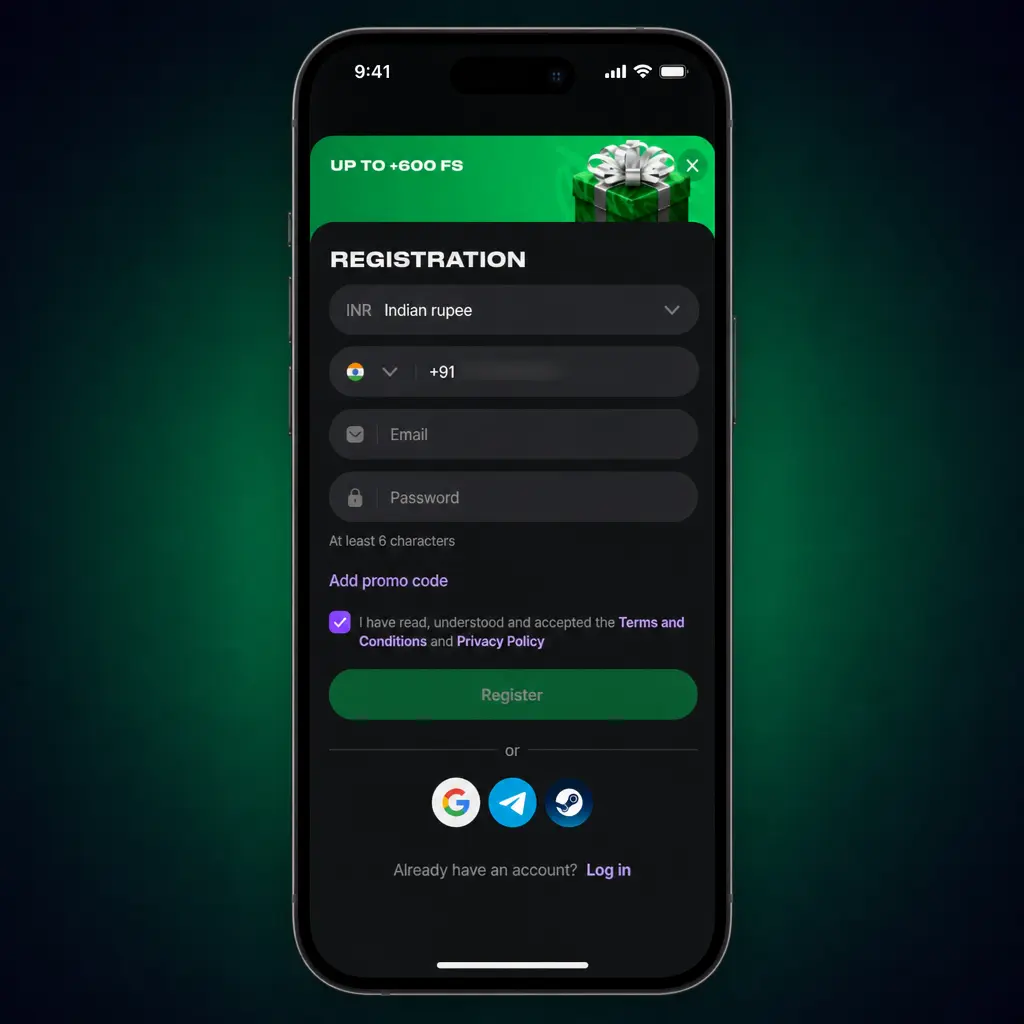
Accept the terms.
Confirm you are 18 or older and accept the terms of use.
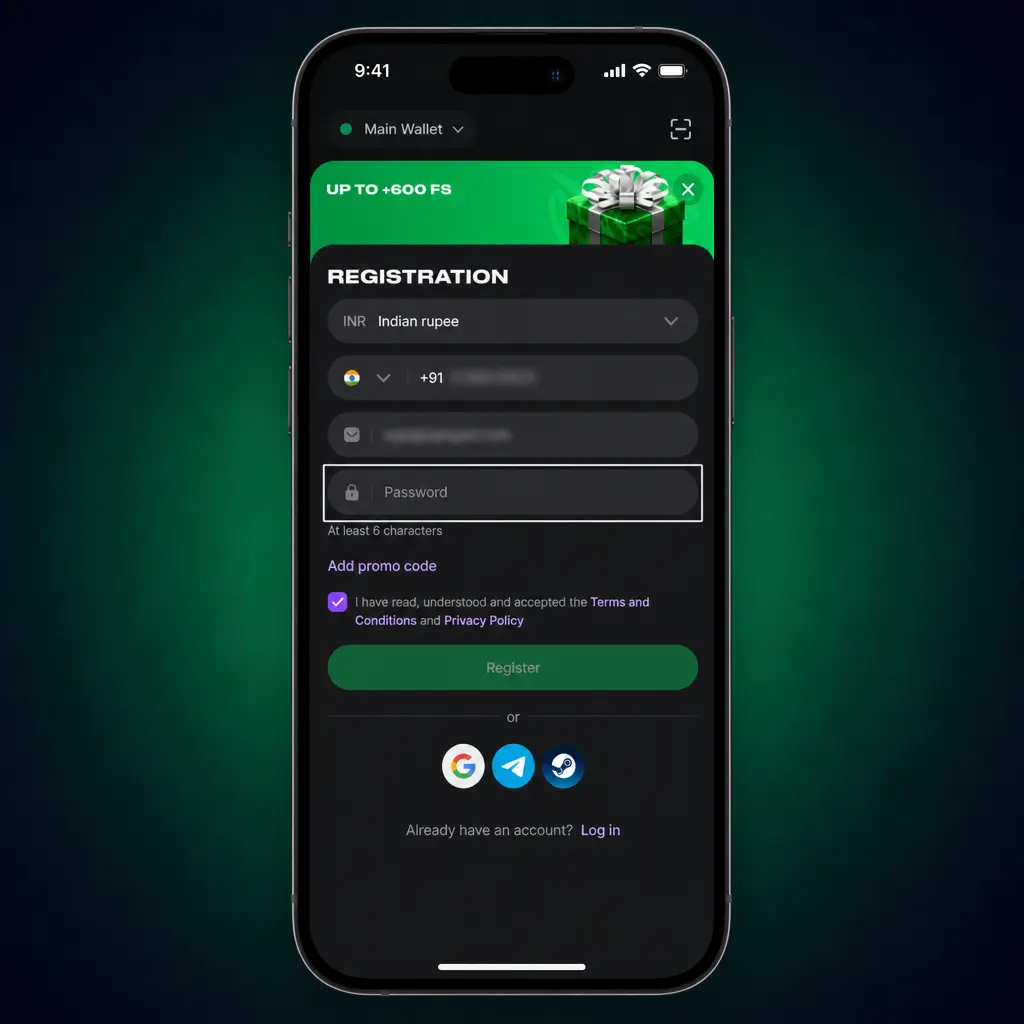
Verify and start playing.
Enter the OTP sent by SMS and tap Confirm to activate your account.
How to Log In to an Existing Account
Log in to the Lucky Star app in four short steps.
Players with an existing account should always log in here instead of creating a new profile.
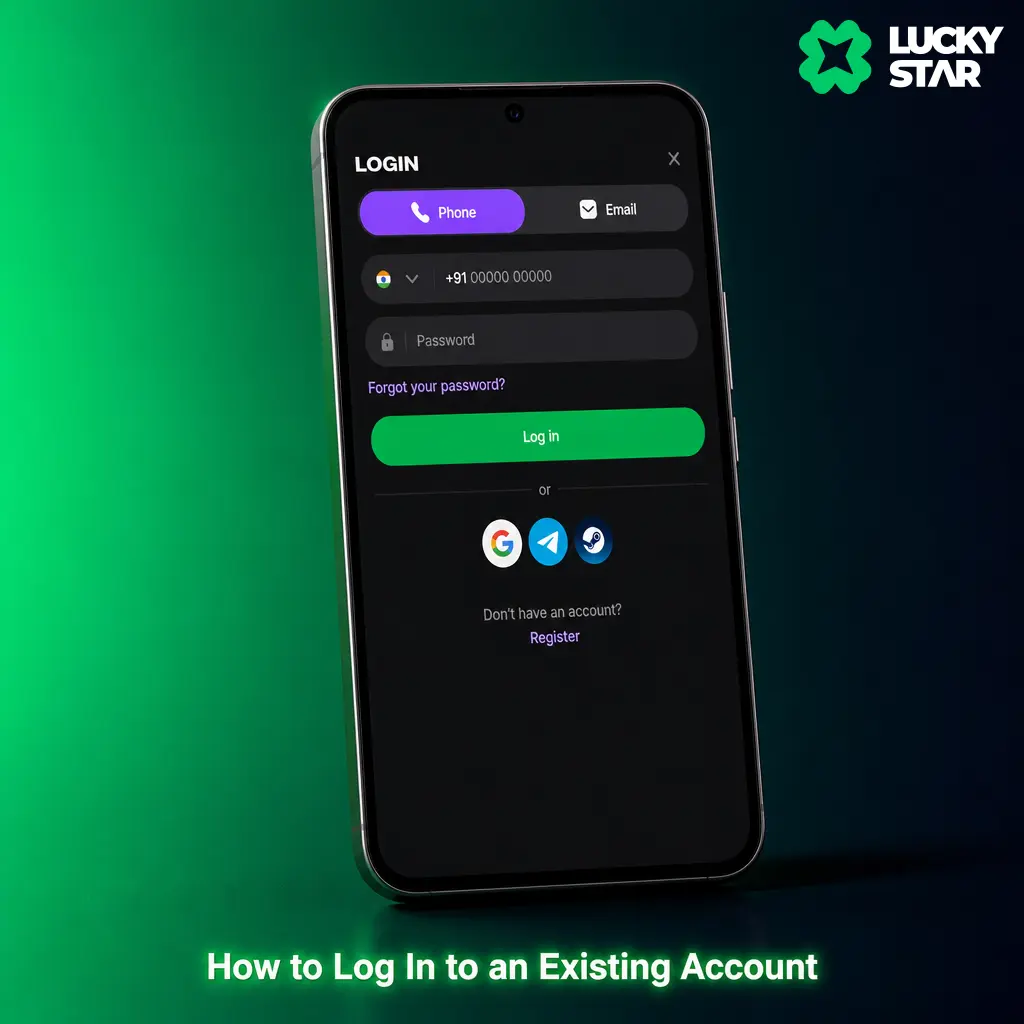
Select your login method.
Choose phone number or email, matching your registration details.
Enter your password.
Type the password set during registration.
Tap Log In.
Your dashboard loads with your balance and bet history visible.
How to Place Bets in the Lucky Star App
Live odds inside the app update the instant a wicket falls or a goal changes the scoreline. The full betting line sits on one screen, covering match winner, total runs or goals, and player props without a separate load. Every market available on the desktop site carries over to the app, including options to cash out during a match and build combination bets. A fast tap locks in a price before it moves.
Place a Bet in the Lucky Star App: Step by Step
Place a bet inside the app in six quick steps.
Pick a sport or league.
Browse cricket, football, kabaddi, or tennis from the top tab bar.
Select a match.
Tap any fixture to open its full market list.
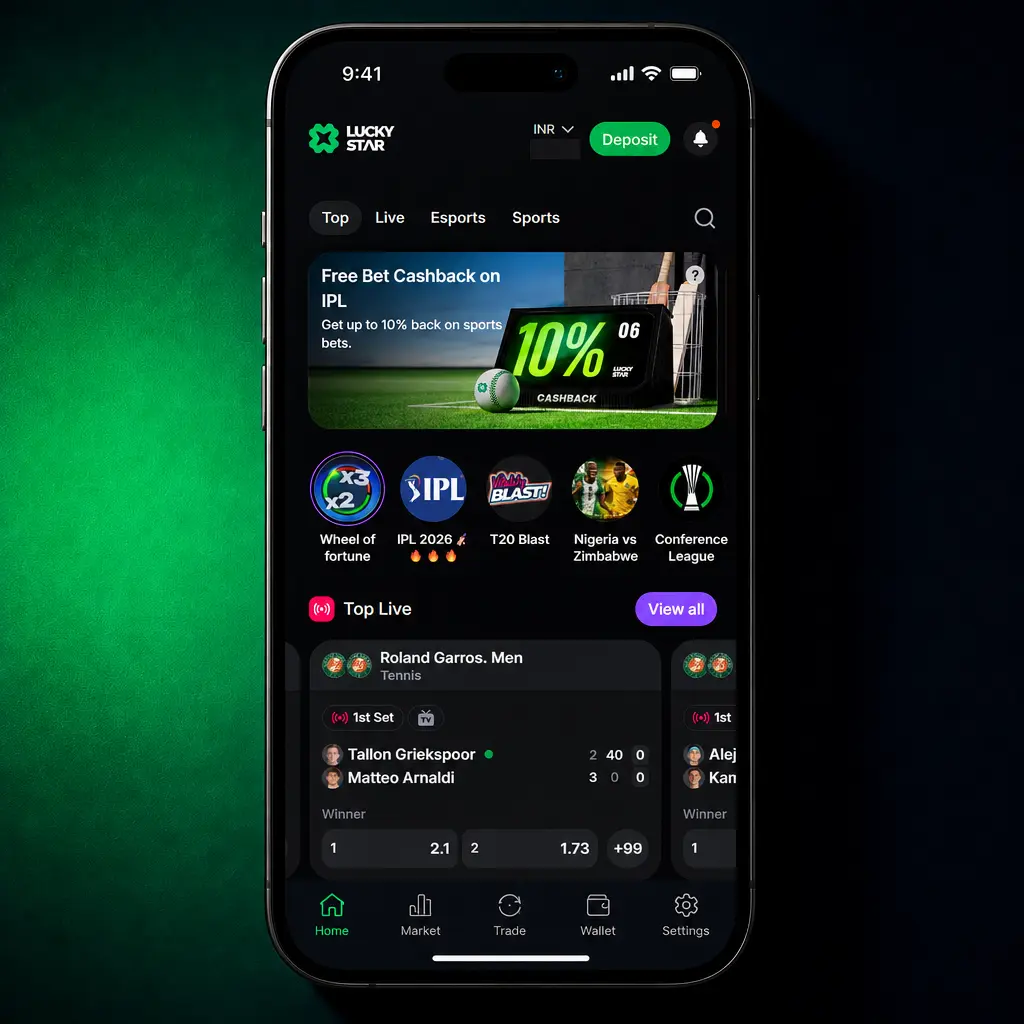
Choose your market and odds.
Tap a price to add it to your bet slip.
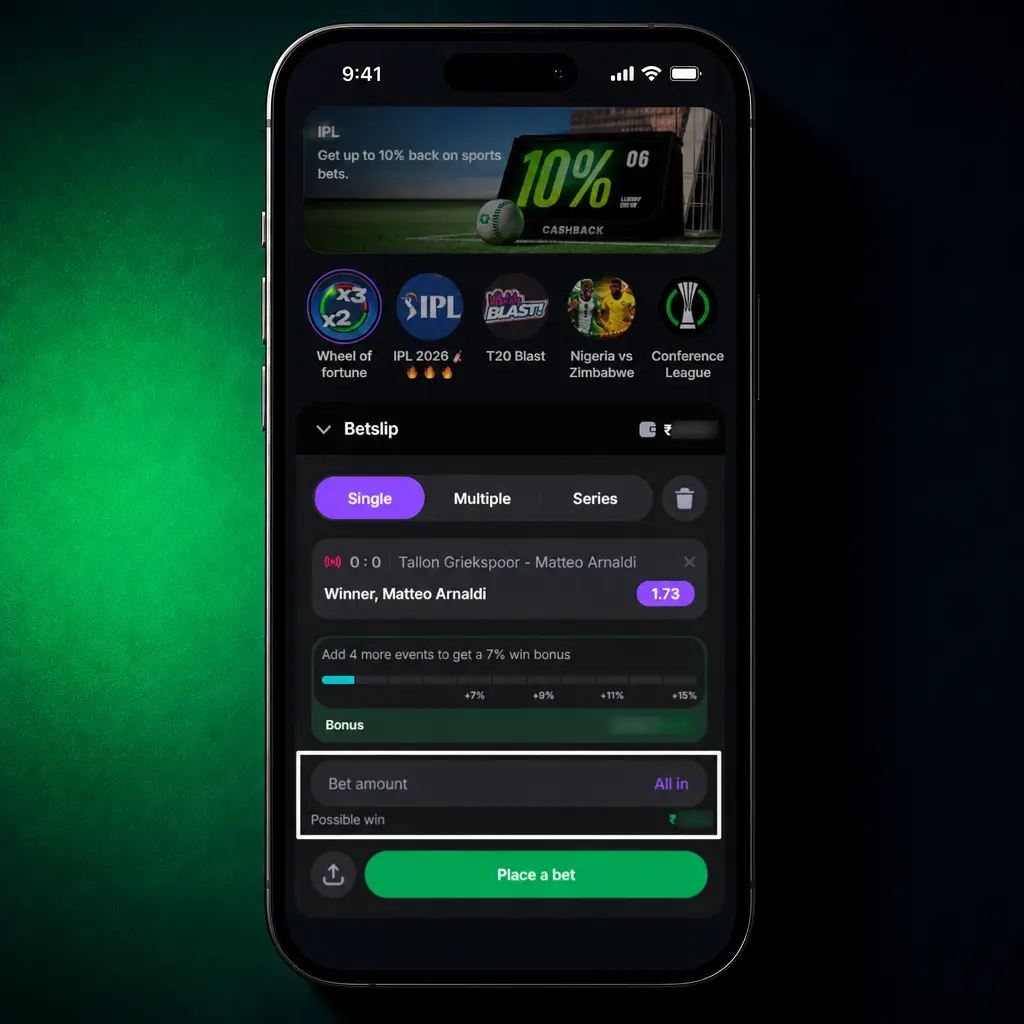
Enter your stake.
Type an amount in INR inside the bet slip panel.
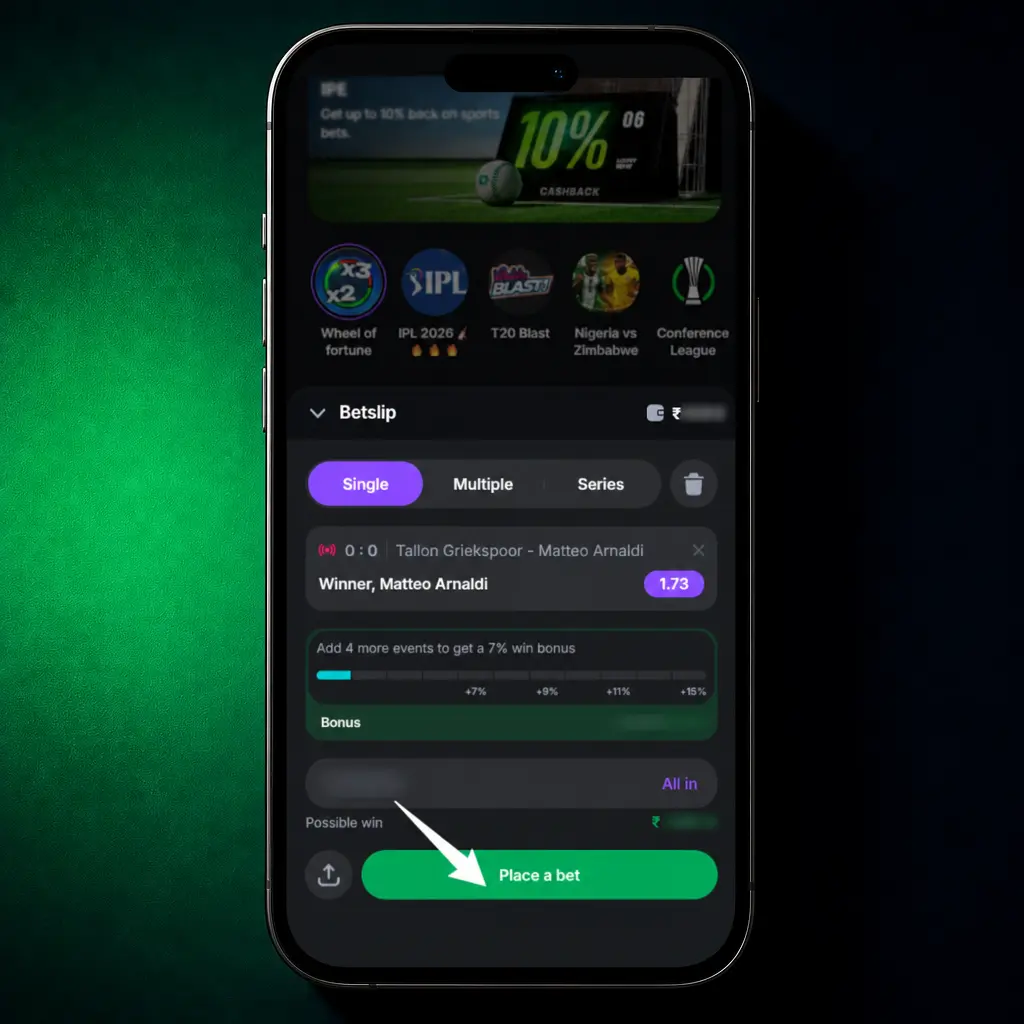
Confirm your bet.
Tap Place Bet and watch your slip update with the potential payout.
Casino Section Overview in the Lucky Star App
Most players now game from a smartphone rather than a desktop browser. Providers including Pragmatic Play, Evolution, and Spribe have built their slots and live titles on HTML5, so every spin and live round runs without lag on a touchscreen.
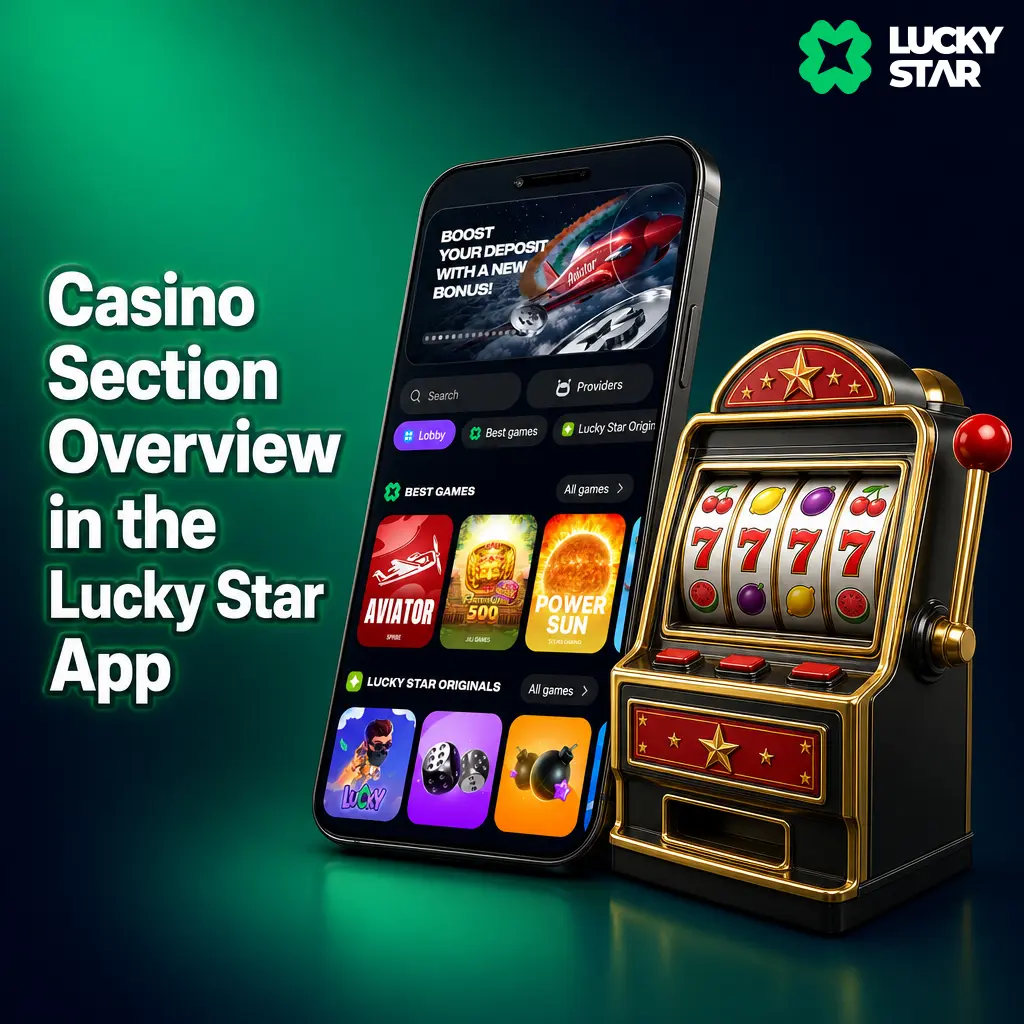
Games Available in the Lucky Star App
The app groups its library into clear categories for quick browsing.
- Slots: titles from Pragmatic Play, Hacksaw Gaming, and Nolimit City, spanning classic reel machines to modern video slots;
- Crash games: Aviator, JetX, and Spaceman headline this category, with live multiplier rounds and instant cashout;
- Live dealer tables: blackjack, roulette, and baccarat stream from Evolution and Ezugi studios with a live host;
- Table games: digital blackjack, baccarat, and poker variants for solo play without a dealer wait;
- Sports betting: cricket, football, kabaddi, and tennis lines sit in a separate tab beside the casino lobby.
Payment Methods in the Lucky Star App
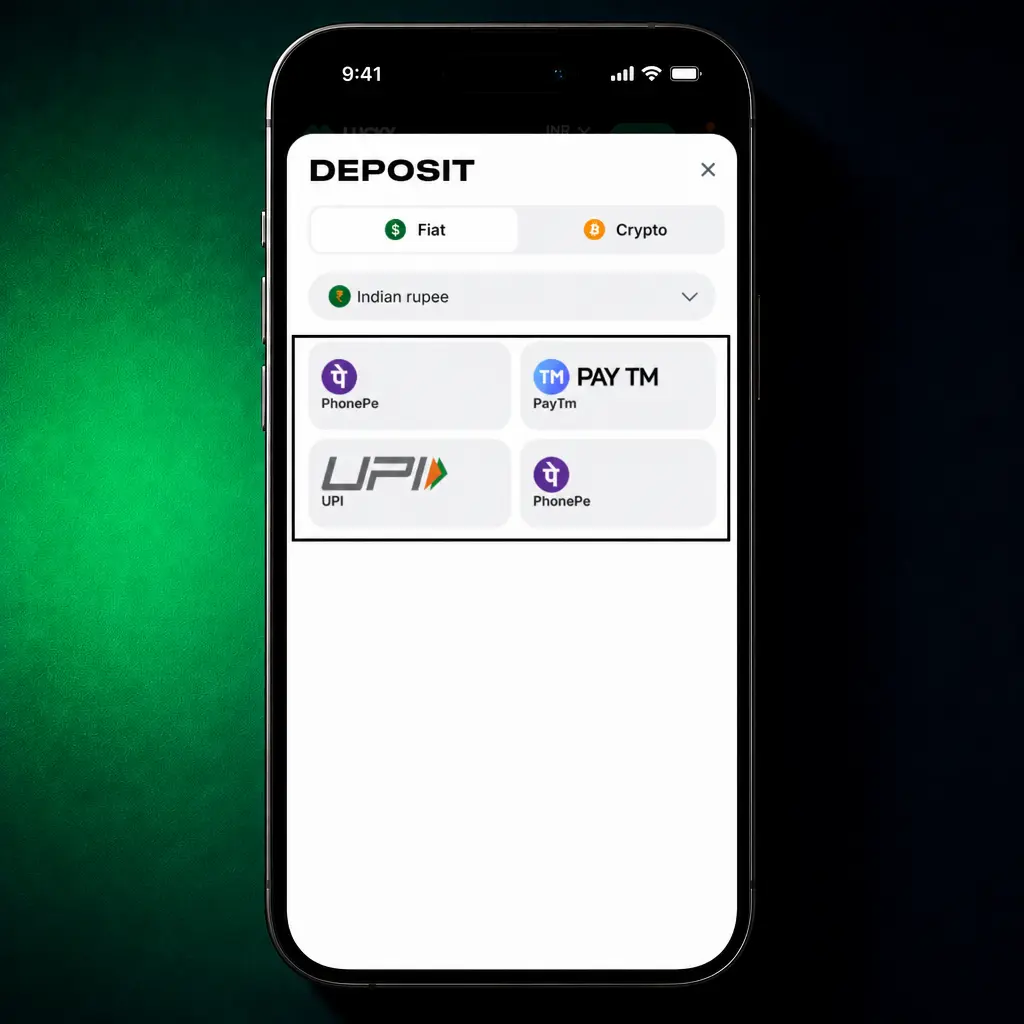
Every transaction inside the app runs through SSL encryption, keeping card and account details private. Players in India fund an account and cash out winnings using UPI, PhonePe, Paytm, or cryptocurrency, matching the payment habits of most Indian bettors. Processing speed and limits vary by method, detailed below.
| Method | Type | Processing Time | Limits (INR) |
|---|---|---|---|
| UPI | Deposit and withdrawal | Instant to 15 minutes | 300 to 2,00,000 |
| PhonePe | Deposit and withdrawal | Instant to 15 minutes | 300 to 1,00,000 |
| Paytm | Deposit and withdrawal | Instant to 30 minutes | 300 to 1,00,000 |
| Crypto (USDT) | Deposit and withdrawal | 10 to 60 minutes | 500 equivalent to 5,00,000 |
How to Make a Deposit via the App
Fund a Lucky Star account in under a minute through any supported method.
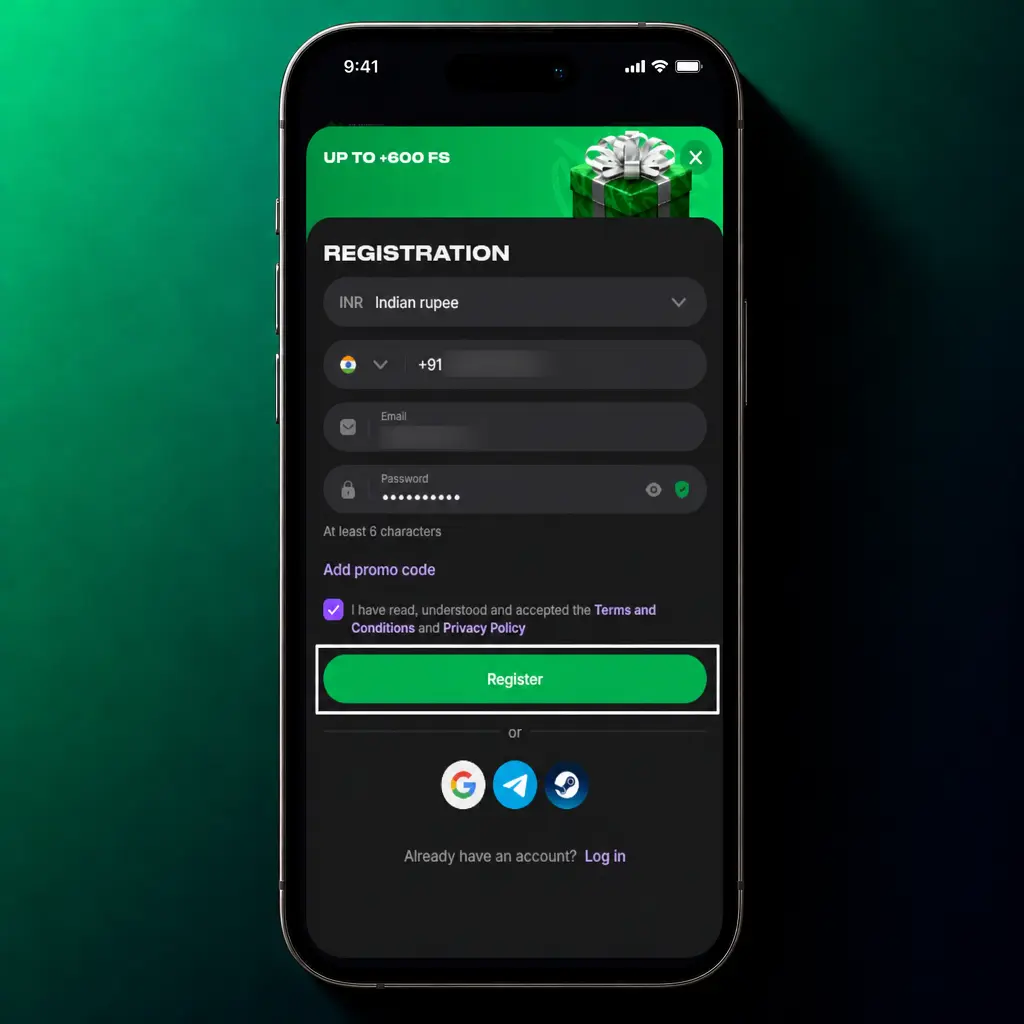
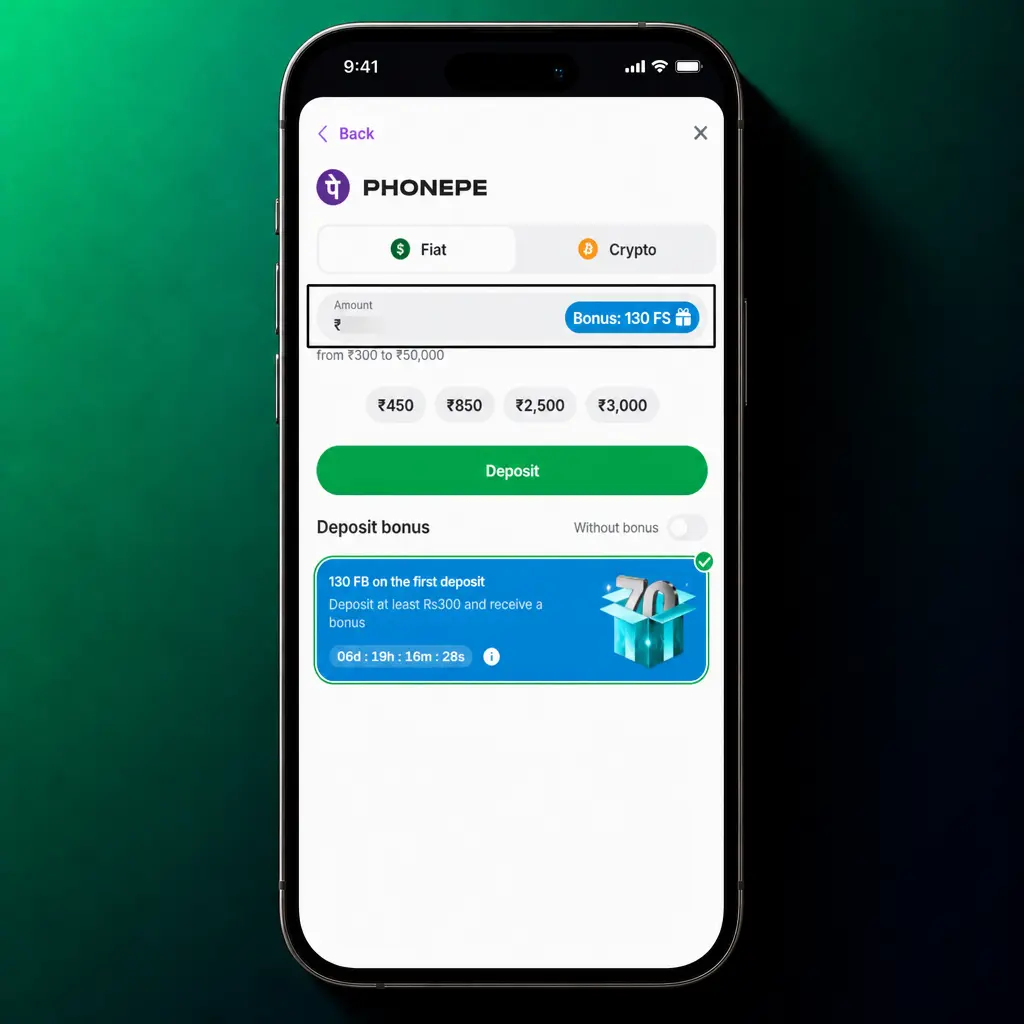
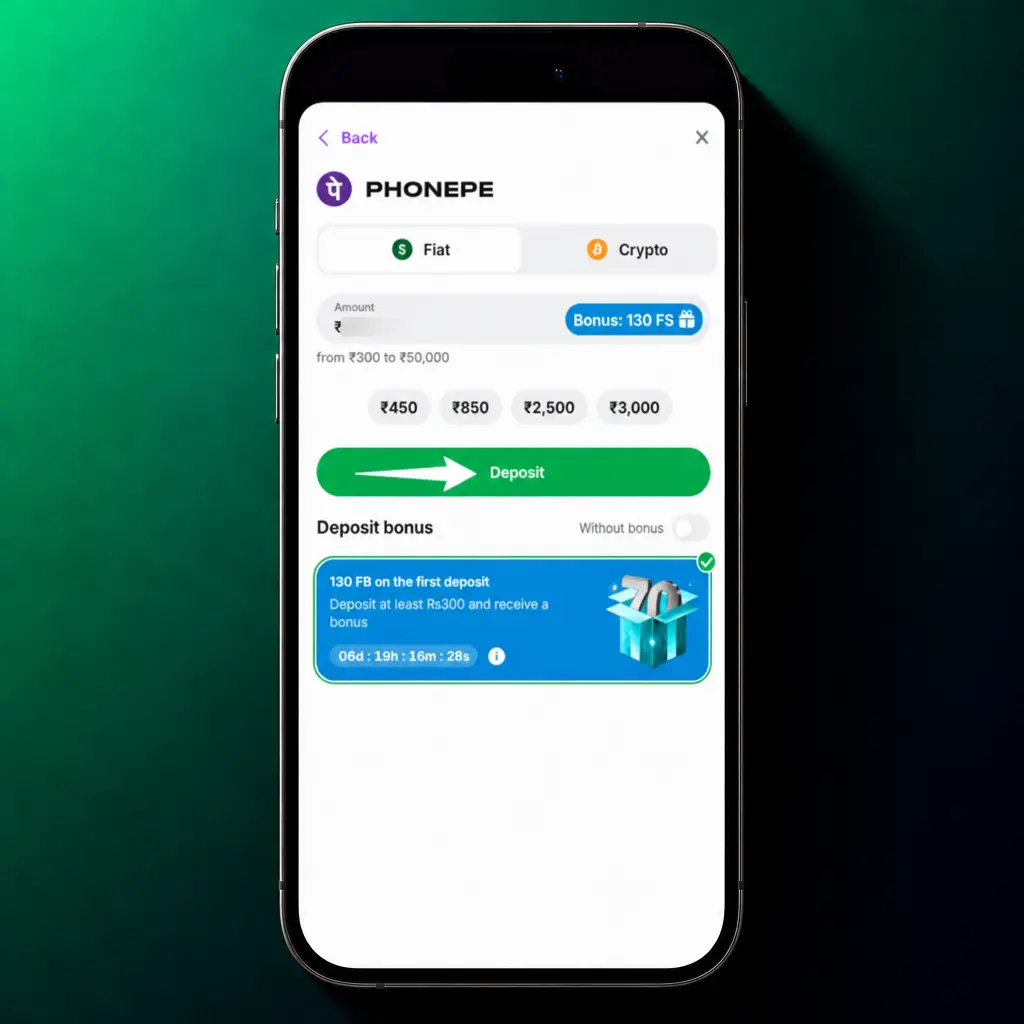
Select Deposit.
Choose UPI, PhonePe, Paytm, or crypto from the payment list.
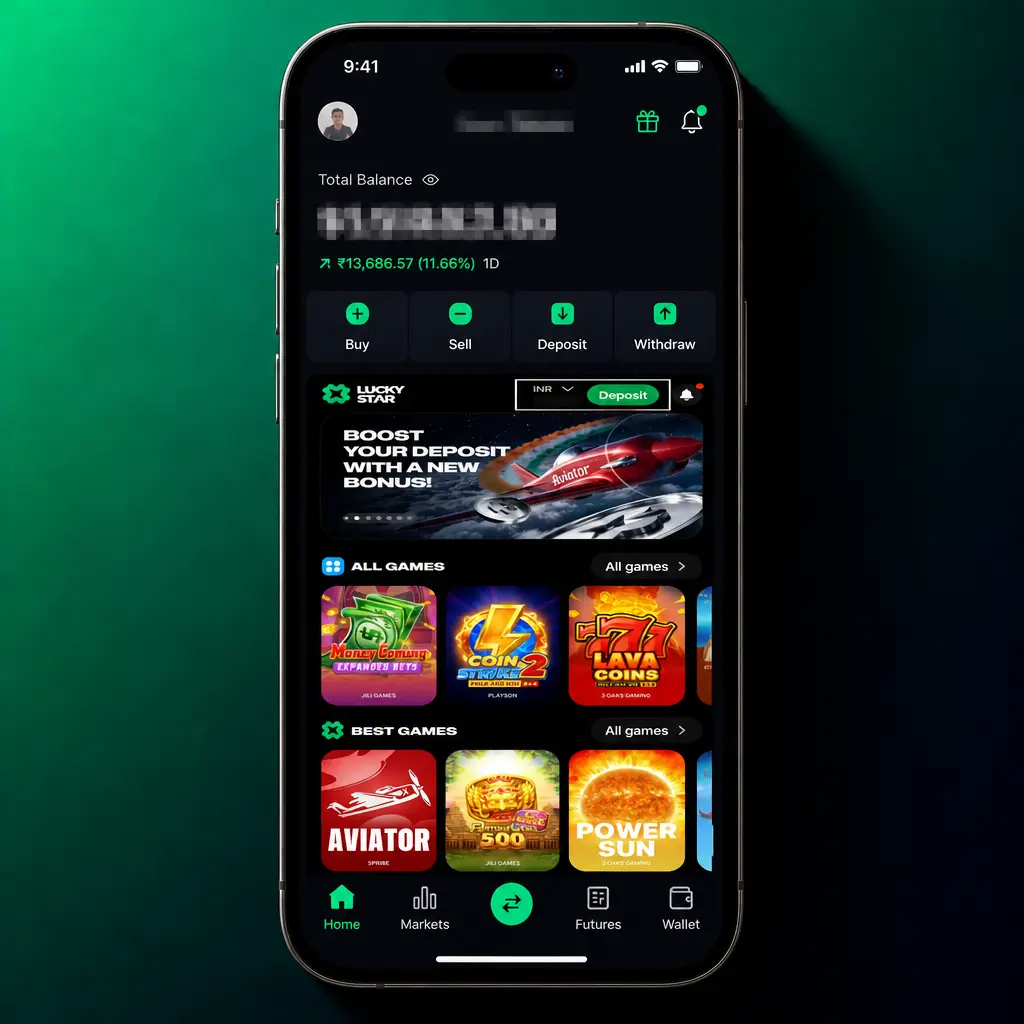
Enter your amount.
Type a sum within the method’s minimum and maximum limits.
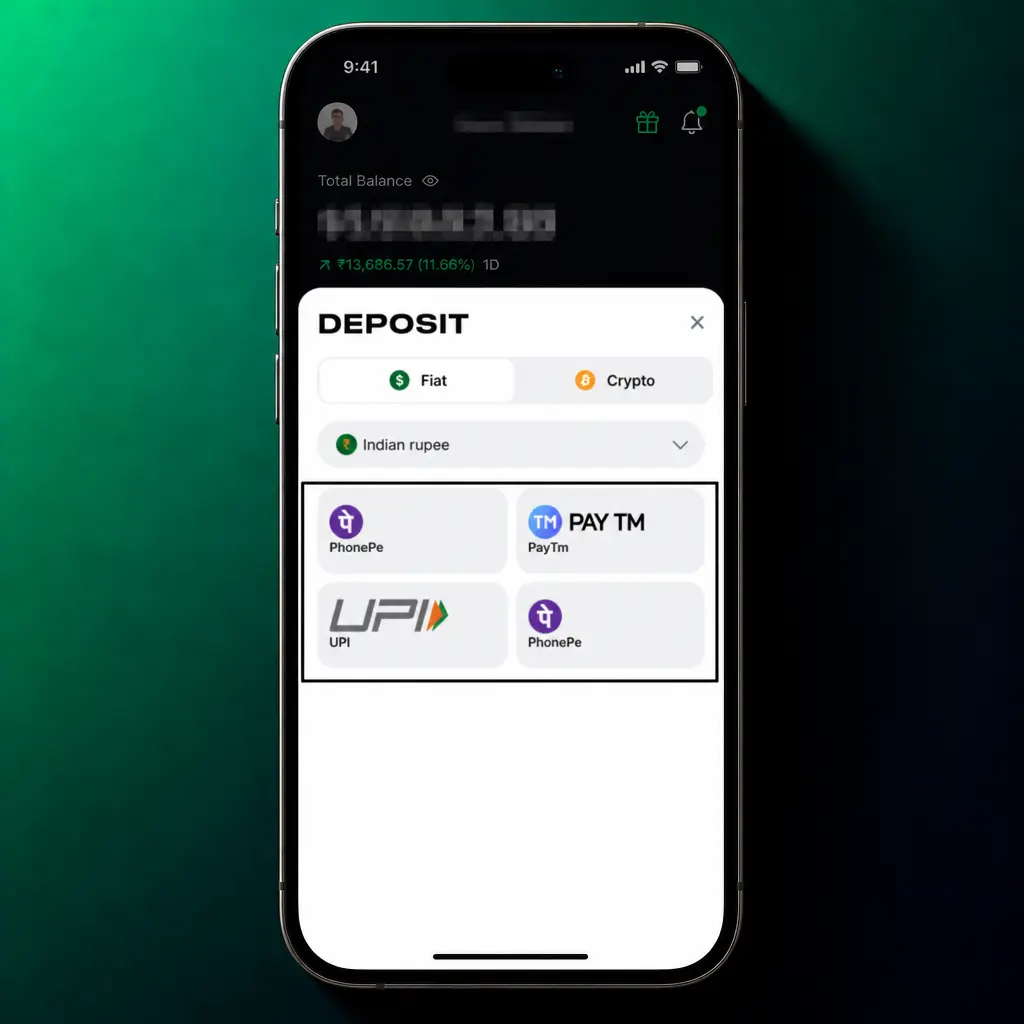
Confirm the payment.
Approve the transaction through your UPI app or payment gateway.
Check your balance.
Your updated balance appears on the wallet screen once the transfer clears.
How to Withdraw Funds from the Lucky Star App
A withdrawal from the app follows the same short path as a deposit.
Tap Withdraw via the App below.
This opens the withdrawal screen inside your wallet.
Select Withdraw.
Pick UPI, PhonePe, Paytm, or crypto as your payout method.
Enter your withdrawal amount.
Stay within the daily and per transaction limits for your chosen method.
Confirm your request.
Submit the withdrawal for processing.
Receive your funds.
Funds land in your account within the processing window listed for your payment method.
Bonuses & Promo Codes for Lucky Star App Users
App users reach every standard promotion without a separate registration step. The casino welcome offer grants 130 Free Spins across selected slot titles for new depositors. Sports bettors can claim a 200% match up to 50,000 INR on a first deposit, applied straight to the sportsbook balance. Aviator and crash game fans get access to up to 600 Free Bets alongside a standing cashback offer on net losses. Promotions tied to app installation appear in the Promotions tab after your first login, separate from the browser version offer list. To activate a promo code, open the Promotions tab, tap Enter Code, type the code, and tap Apply before your first deposit. Codes applied after a deposit will not attach to that transaction. Check the Promotions tab weekly for new offers available only to app users.

Lucky Star Mobile Web Version
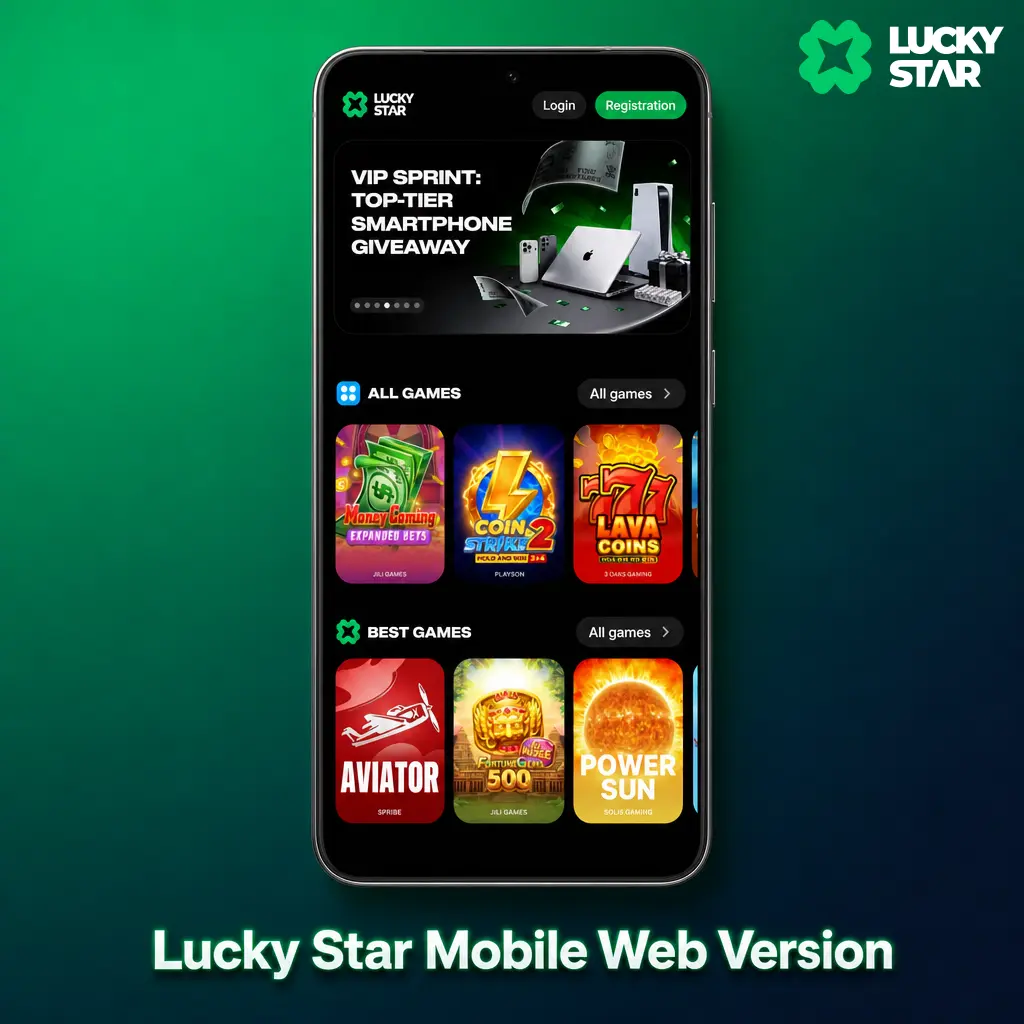
The mobile browser version suits players who prefer not to download anything, run an uncommon operating system, or want to save device storage. Open it directly from Chrome, Safari, or any mobile browser without an install step. The layout adjusts automatically to any screen size, from a compact phone display to a tablet. Every core feature, including Live betting, casino games, deposits, and withdrawals, stays fully functional.
Is the Lucky Star App Safe to Use in India?
The app applies SSL encryption across every session, protecting login details and payment data from interception. Account passwords are hashed before storage. Downloading from this site and logging in only through the official build keeps your account 100% safe.
FAQ
Is the Lucky Star app legal for players in India?
Yes. Lucky Star operates under an offshore gaming license, which permits players from India to deposit, bet, and withdraw, since India has no federal ban on offshore online betting.
Does the app cost anything to download or use?
No. The app, its download, and its install carry no charge. You only fund your wallet when you choose to deposit.
Can I use the same account on the app, the mobile site, and the desktop site?
Yes. One account logs in across the app, the browser version, and the Windows build, with a shared balance and bet history.
What happens if the app will not install on my Android phone?
Check that unknown sources is enabled in your phone settings and that at least 300 MB of storage is free, then reopen the APK file.
How long does a withdrawal take after I submit the request in the app?
Most UPI, PhonePe, and Paytm withdrawals clear within 15 to 30 minutes. Crypto withdrawals typically settle within 60 minutes, depending on network conditions.
Updated: